30
Chapter 2: There’s no place like Home
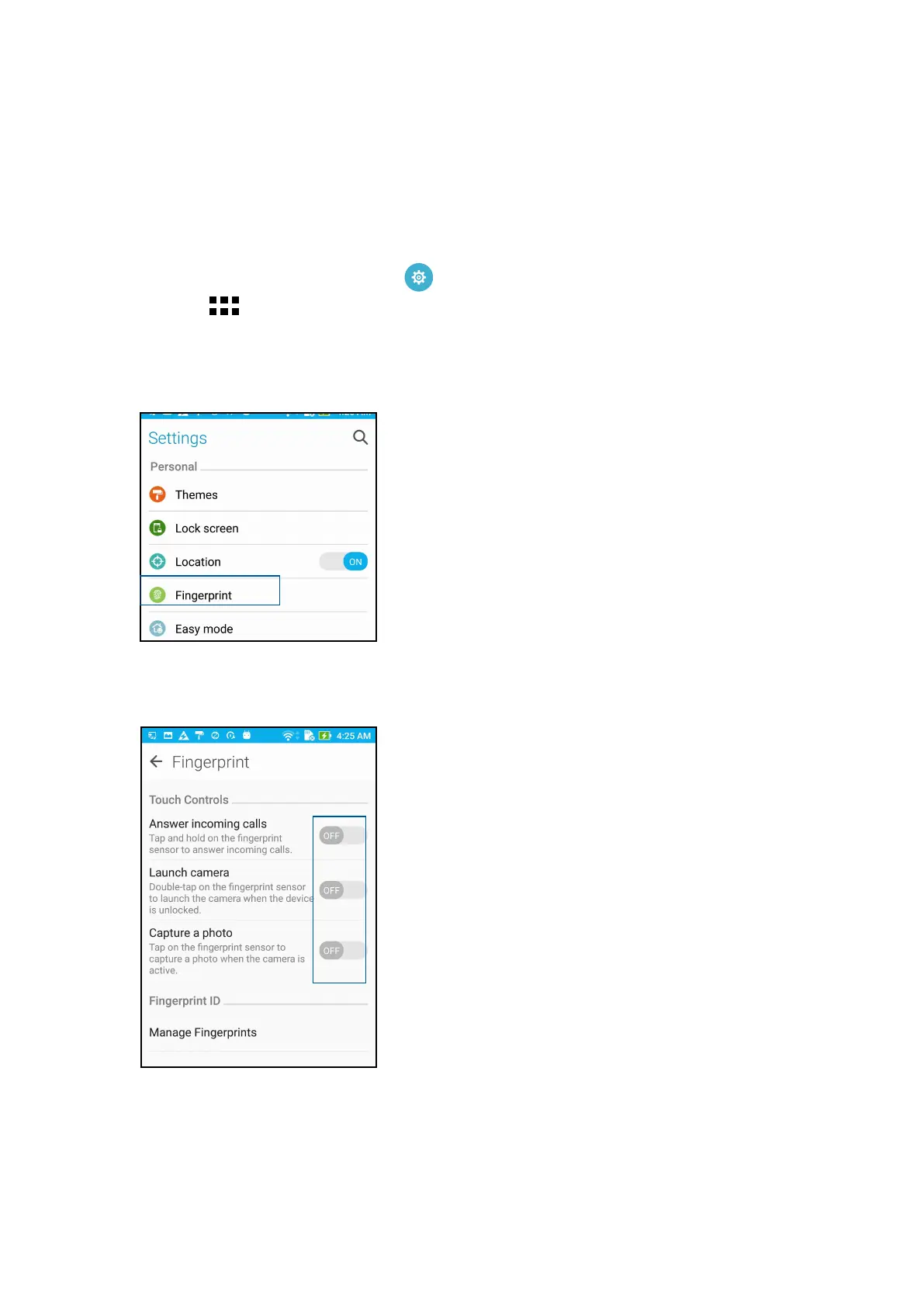
4. Tap the controls that you want to enable or disable.
Setting up ngerprint ID from Settings
To set up your ngerprint ID from Settings:
1. Ensure that the ngerprint scanner and your nger are clean and dry.
2. Launch the Settings screen by doing any of the following:
• Launch Quick settings then tap
.
• Tap
> Settings.
3. Scroll down the Settings screen and select Fingerprint.















 To Next Page