34
Work hard, play harder
3
3 Work hard, play harder
Chrome
Chrome for Android` lets you enjoy the same fast, secure and stable web browsing experience
as that on the desktop Chrome. Sign in to your Google account to sync tabs, bookmarks, and
browsing history across all your devices. If you don’t have a Google account, register for one.
NOTE: For details on creating a Google account, see Gmail.
IMPORTANT! Before doing any Internet surng or Internet-related activities, ensure that your ASUS
Phone is connected to a Wi-Fi or mobile network. For more details, see Staying connected.
Launching Chrome
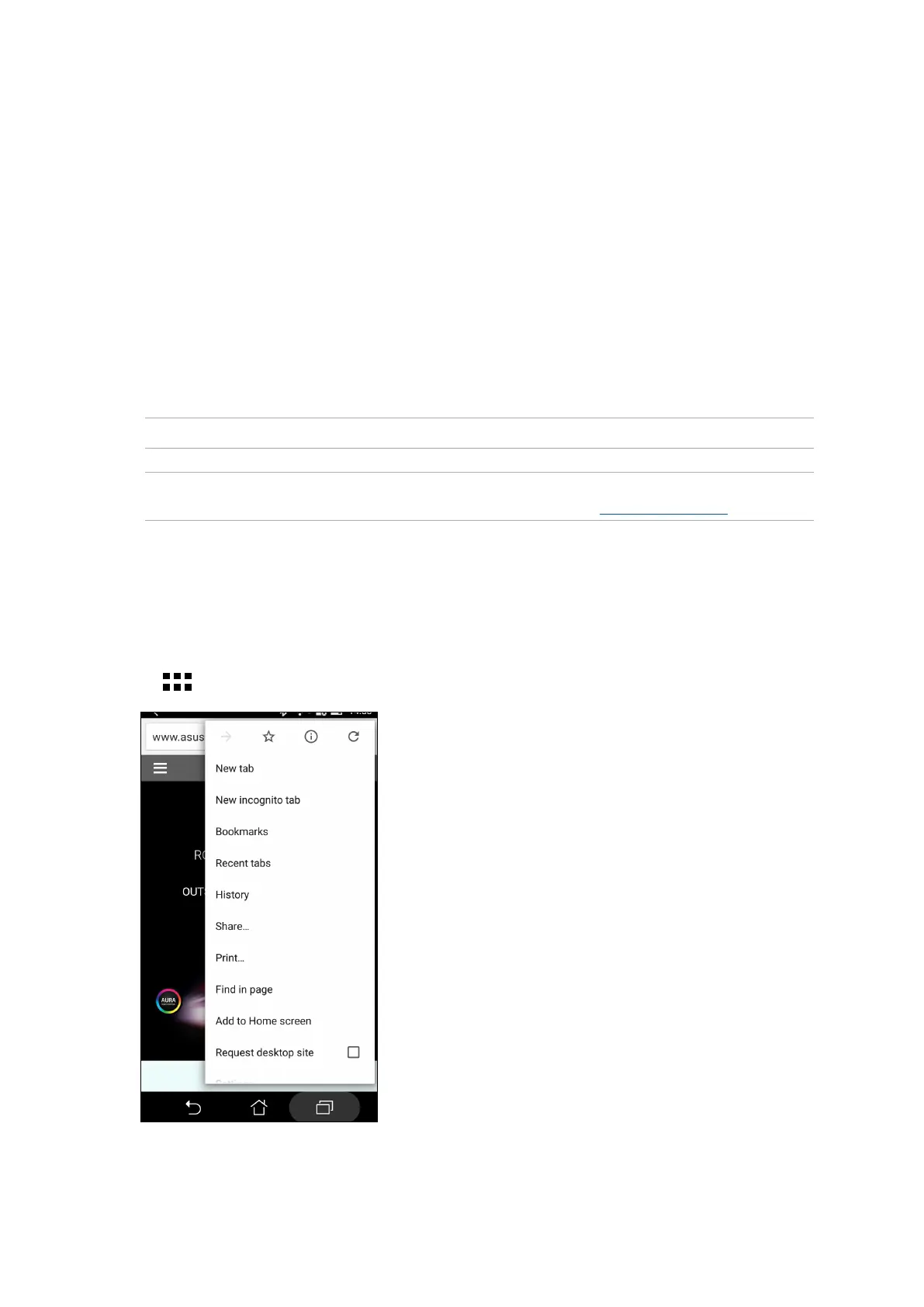
From your Home screen, do any of the following to launch Chrome:
• TapChrome.
• Tap
> Chrome.















 To Next Page