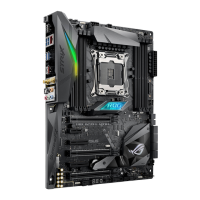
ROG STRIX X299-E GAMING
2-17
Chapter 2
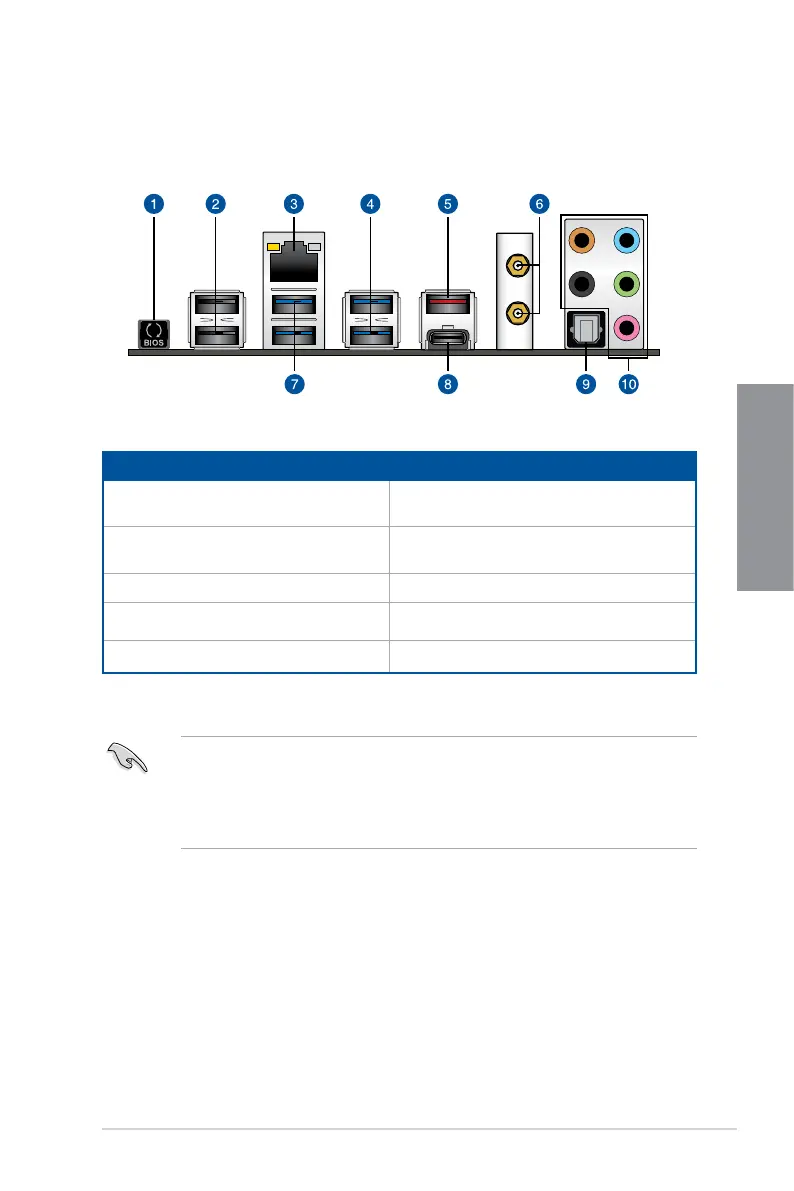
2.3 Motherboard rear and audio connections
2.3.1 Rear I/O connection
Rear panel connectors
1.
USB BIOS Flashback button 6. Wi-Fi802.11a/b/g/n/ac,
Bluetooth V4.2
2. USB 2.0 ports 1112 7. USB 3.1 Gen 1 ports 56 (Bottom port
supports USB BIOS Flashback)
3. Intel
®
LAN port* 8. USB 3.1 Gen 2 Type-C™ port EC2
4. USB 3.1 Gen 1 ports 78 9. Optical S/PDIF Out port
5. USB 3.1 Gen 2 Type-A port EA2 10. Audio I/O ports**
* and **: Refer to the tables on the next page for LAN port LEDs and audio port definitions.
• USB3.1Gen1/Gen2devicescanonlybeusedasdatastorageonly.
• Westronglyrecommendthatyouconnectyourdevicestoportswithmatchingdata
transfer rate. Please connect your USB 3.1 Gen 1 devices to USB 3.1 Gen 1 ports and
your USB 3.1 Gen 2 devices to USB 3.1 Gen 2 ports for faster and better performance
for your devices.


 To Next Page