ASUSTOR NAS Memory Installation Guide
Page 5 of 11
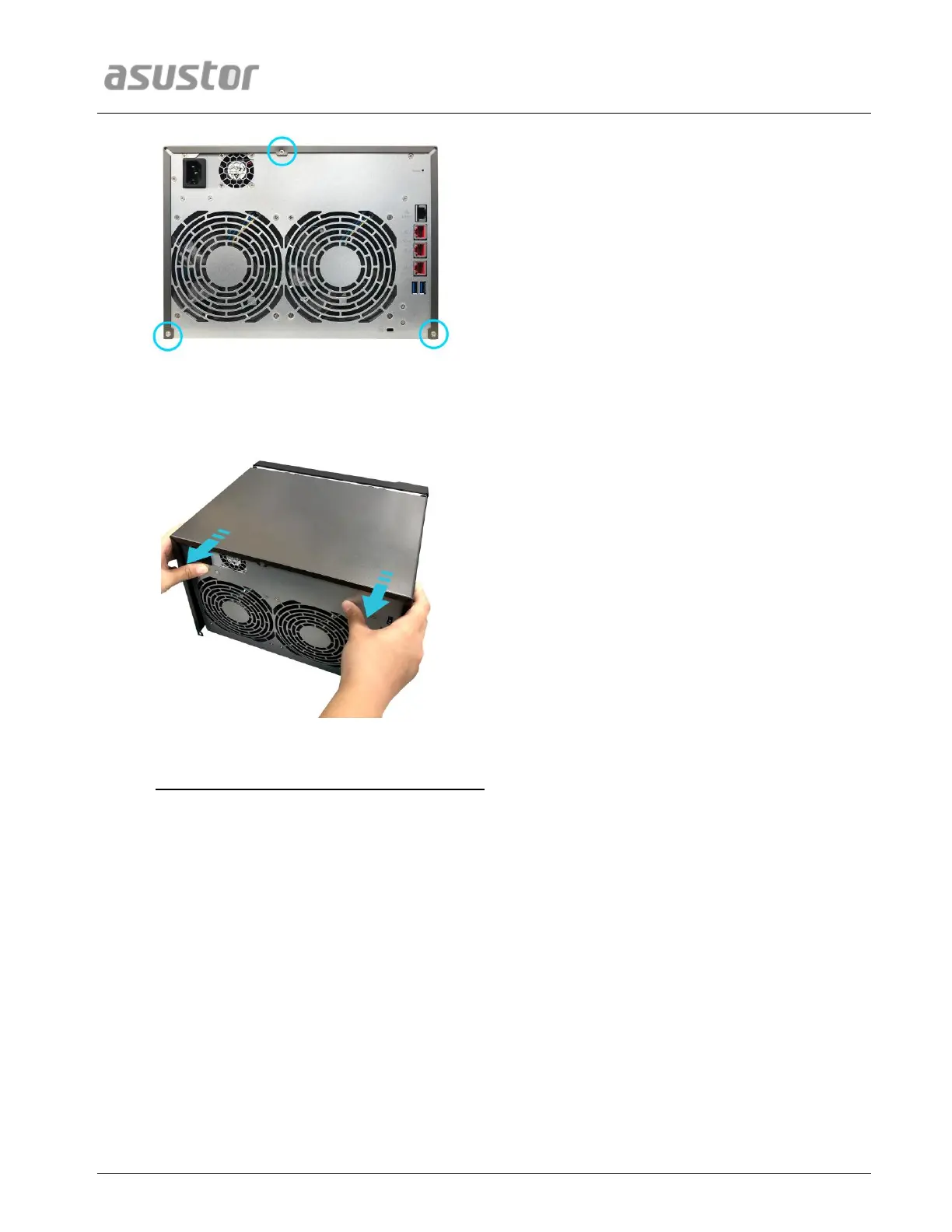
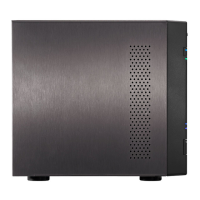
Grip the cover from both sides with two hands and then gently push towards the rear of the NAS to
remove it from the chassis.
2.2. Installing Memory
Upgrading RAM on rear side of motherboard
Upon opening the NAS, RAM slots are found on the rear of the motherboard, which is found
on the left hand side of the NAS. Insert a SO-DIMM module into an empty slot at a 45° angle
and align the notches of the RAM and the slot.


 To Next Page