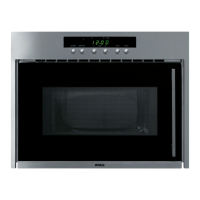
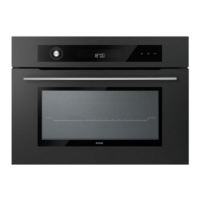
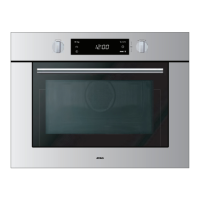
MC4111L / MAG 690
Technische documentatie
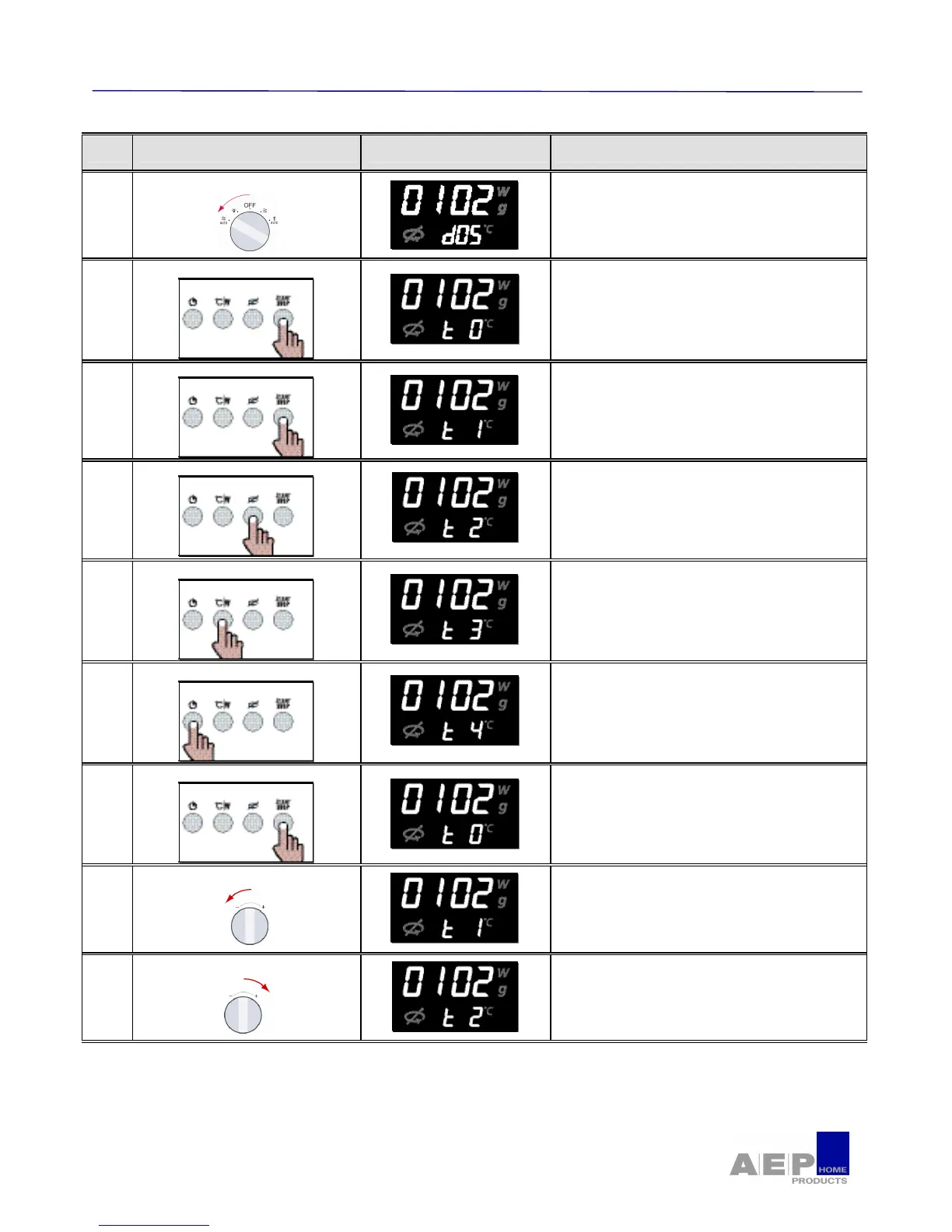
Step Run and display Remarks Step
7
Right rotary switch checking
• Right rotary switch checking
NO ⇒ If connections to power card are OK, then Right
rotary switch or display out of order.
Continue the test
8
Buttons checking
• Button checking
NO ⇒ If connections to power card are OK, then button or
display out of order.
Continue the test
9
Buttons checking
• Button "START/STOP" checking
NO ⇒ If connections to power card are OK, then button or
display out of order.
Continue the test
10
Buttons checking
• Button "TURNTABLE" checking
NO ⇒ If connections to power card are OK, then button or
display out of order.
Continue the test
11
Buttons checking
• Button "°C/W" checking
NO ⇒ If connections to power card are OK, then button or
display out of order.
Continue the test
12
Buttons checking
• Button "CLOCK" checking
NO ⇒ If connections to power card are OK, then button or
display out of order.
Continue the test
13
Action
• Button checking
NO ⇒ If connections to power card are OK, then button or
display out of order.
Continue the test
14
Left rotary switch checking
• Left rotary switch checking
NO ⇒ If connections to power card are OK, then Left
rotary switch or display out of order.
Continue the test
15
Left rotary switch checking
• Left rotary switch checking
NO ⇒ If connections to power card are OK, then Left
rotary switch or display out of order.
Continue the test


 To Next Page