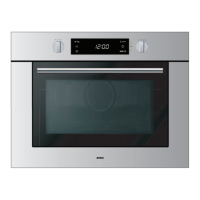
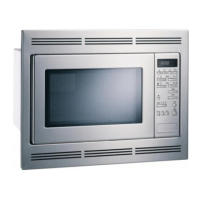
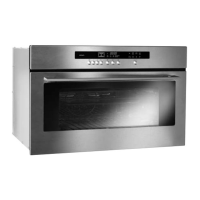
MC4111L / MAG 690
Technische documentatie
18 - TEST PROGRAM ATAG COMBI
18.1. - Important instructions
• To place a container filled with water in the oven (for the tests in microwave modes).
• To connect (if possible) an ammeter on the power supply of the oven.
• Entirely execute the test program.
• Record discrepancies noticed as the test program is running.
• Next, check and replace if necessary the incriminated component(s).
• Perform right-operation check by executing the test program.
18.2. - Conditions of entry
• Set the time to 12 : 00
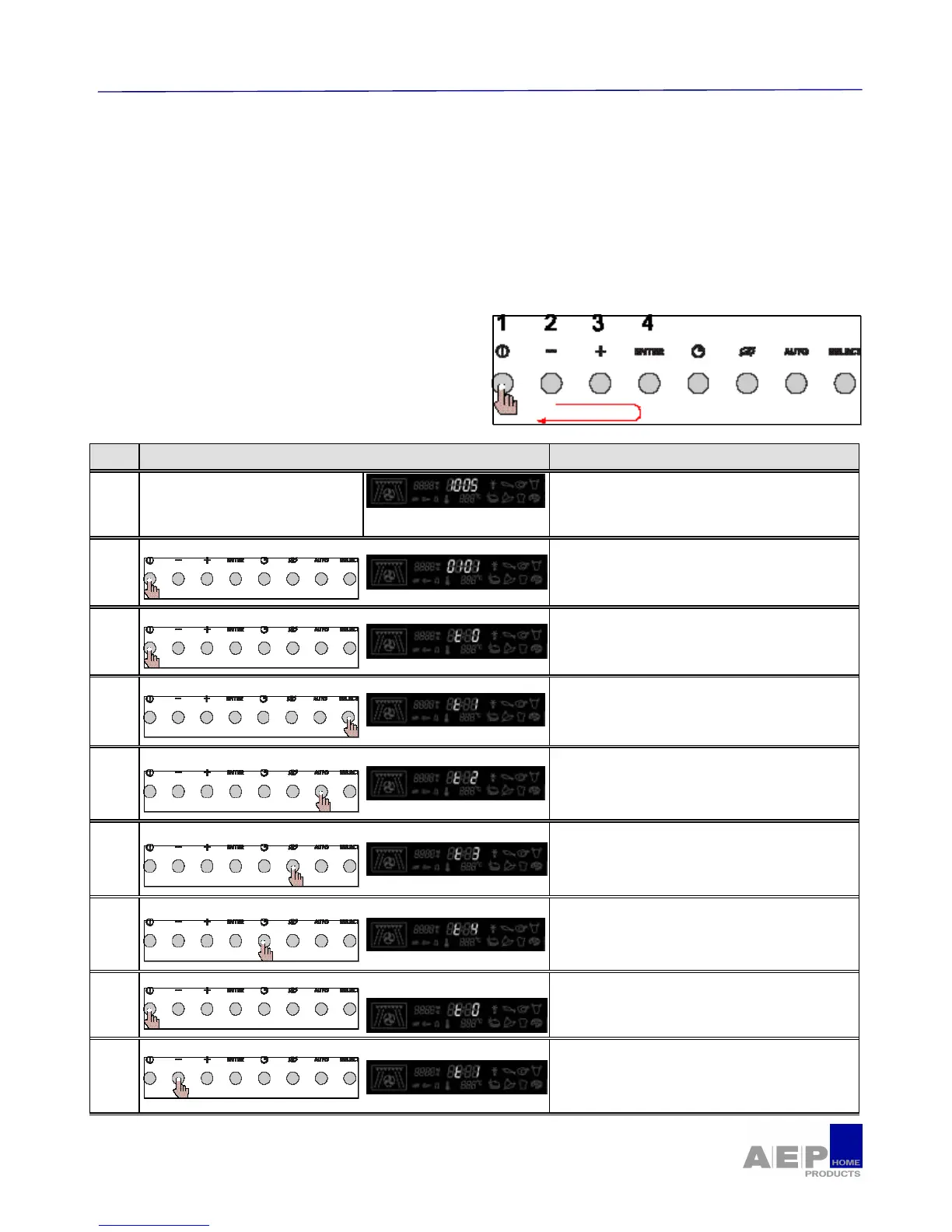
• Press successively 1-2-3-4-3-2 and hold 1,
5 seconds minimum.
18.3. - Run of the test program
Step Run and display Remarks
1
Software checking
• Displaying the software number : 1005
NO ⇒ If connections to power card are OK, then display
card out of order.
Continue the test
2
Software checking
• Displaying the evolution n° of the software.
NO ⇒ If connections to power card are OK, then display
card out of order.
Continue the test
3
Buttons checking
• Right switch board checking
NO ⇒ If connections to power card are OK, then Right
switch board out of order.
Continue the test
4
Buttons checking
• Right switch board checking (SELECT)
NO ⇒ If connections to power card are OK, then Right
switch board out of order.
Continue the test
5
Buttons checking
• Right switch board checking (AUTO)
NO ⇒ If connections to power card are OK, then Right
switch board out of order.
Continue the test
6
Buttons checking
• Right switch board checking (TURNTABLE)
NO ⇒ If connections to power card are OK, then Right
switch board out of order.
Continue the test
7
Buttons checking
• Right switch board checking (CLOCK)
NO ⇒ If connections to power card are OK, then Right
switch board out of order.
Continue the test
8
Buttons checking
• Left switch board checking
NO ⇒ If connections to power card are OK, then display
card out of order.
Continue the test
9
Buttons checking
• Right switch board checking (-)
NO ⇒ If connections to power card are OK, then display
card out of order.
Continue the test


 To Next Page