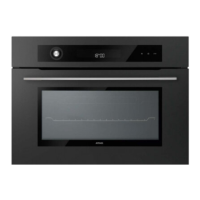
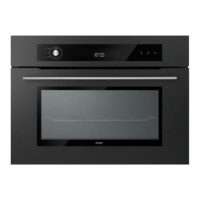
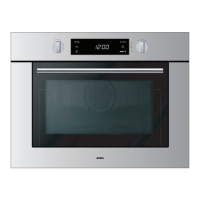
MC4111L / MAG 690
Technische Documentatie
2 - USE
2.1. - How to set / Change the time
After connecting your appliance or after a prolonged power failure.
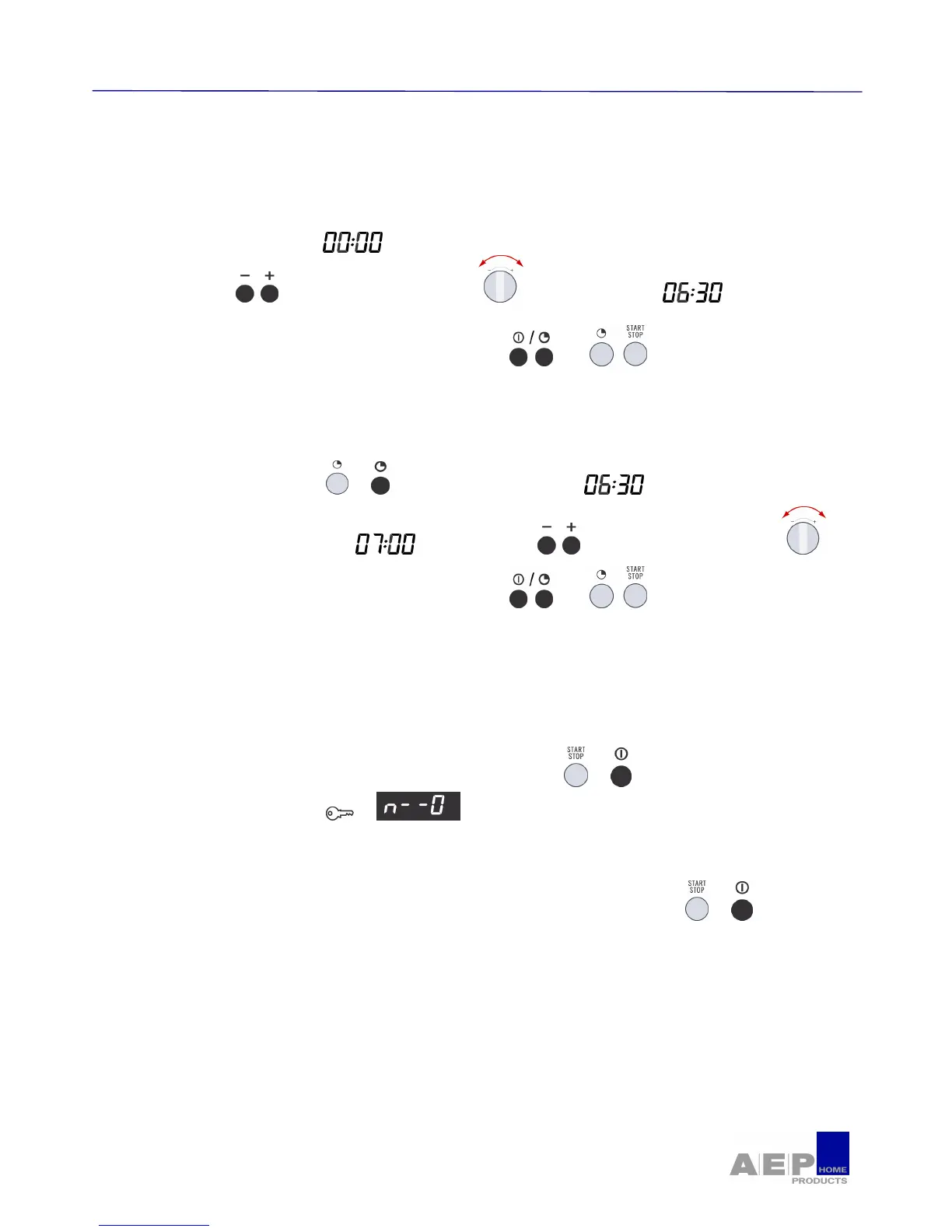
Ø To set the clock
• Flashes in the display.
• Press the buttons or turn the selector to set the time, ex.
• Confirm by pressing the Clock or Start buttons , or . A beep confirms that your
clock is set.
Ø When there is a time change
• Press the Clock button or . The time display flashes.
• Program the new time ex : by pressing the keys or turning the selector .
• Confirm by pressing the Clock or Start buttons , or . A beep confirms that your
clock is set to the new time.
2.2. - Child lock
Ø You can program the "Child Lock " feature to block unauthorized use of your microwave
oven.
• To set : open the door and Press the START/STOP key or , for 5 seconds, until the key
appears in the display. or . 2 beeps confirm that your microwave is temporarily
locked.
No program is available.
• To cancel : Follow the same procedure. Press the START/STOP Button or , for 5
seconds with the door open. The key symbol switches off and clocktime is displayed.
The procedure is confirmed by 2 beeps.


 To Next Page