A2X(W)/A20LTE IP Phone User Manual
ATCOM TECHNOLOGY CO., LIMITEwww.atcom.cn11
Network Cable
,
1.10. Connection
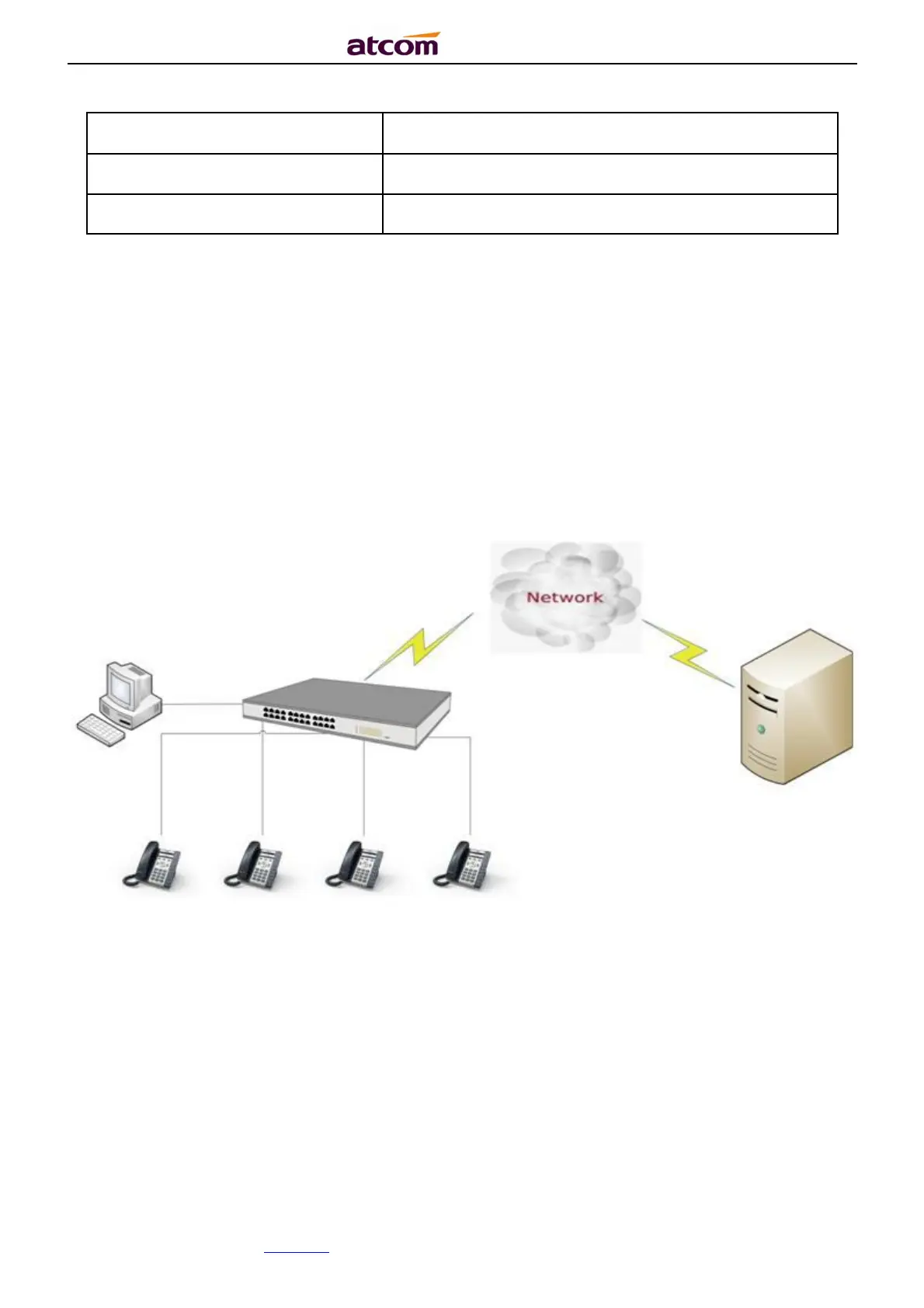
1.10.1. Connect wired network
A2X(W)/A20LTE is able to be connected with network via LAN port. Under the Bridge mode,
other devices (Laptop, IP phone) is able to access network via the PC port of A2X(W).
The topology is as follows:
1.10.2. Connect WiFi network
A20W and A20WAC is able to connect the WiFi.
The topology is as follows:



 To Next Page