A2X(W)/A20LTE IP Phone User Manual
ATCOM TECHNOLOGY CO., LIMITEwww.atcom.cn92
Input the right “Secret Key” and then click the “Confirm” button, the phone will reboot, after
rebooting,the Wi-Fi icon will display on the home screen, it means connect failed when the icon
come with , then you should check the configuration.if the icon come with ,it means
connect successfully.
5.3. Enterprise WiFi
It supports WPA/WPA2 Enterprise wifi , it is based on Radius sever and configuration the
Enterprise wifi in the router.
Configure the Enterprise wifi:
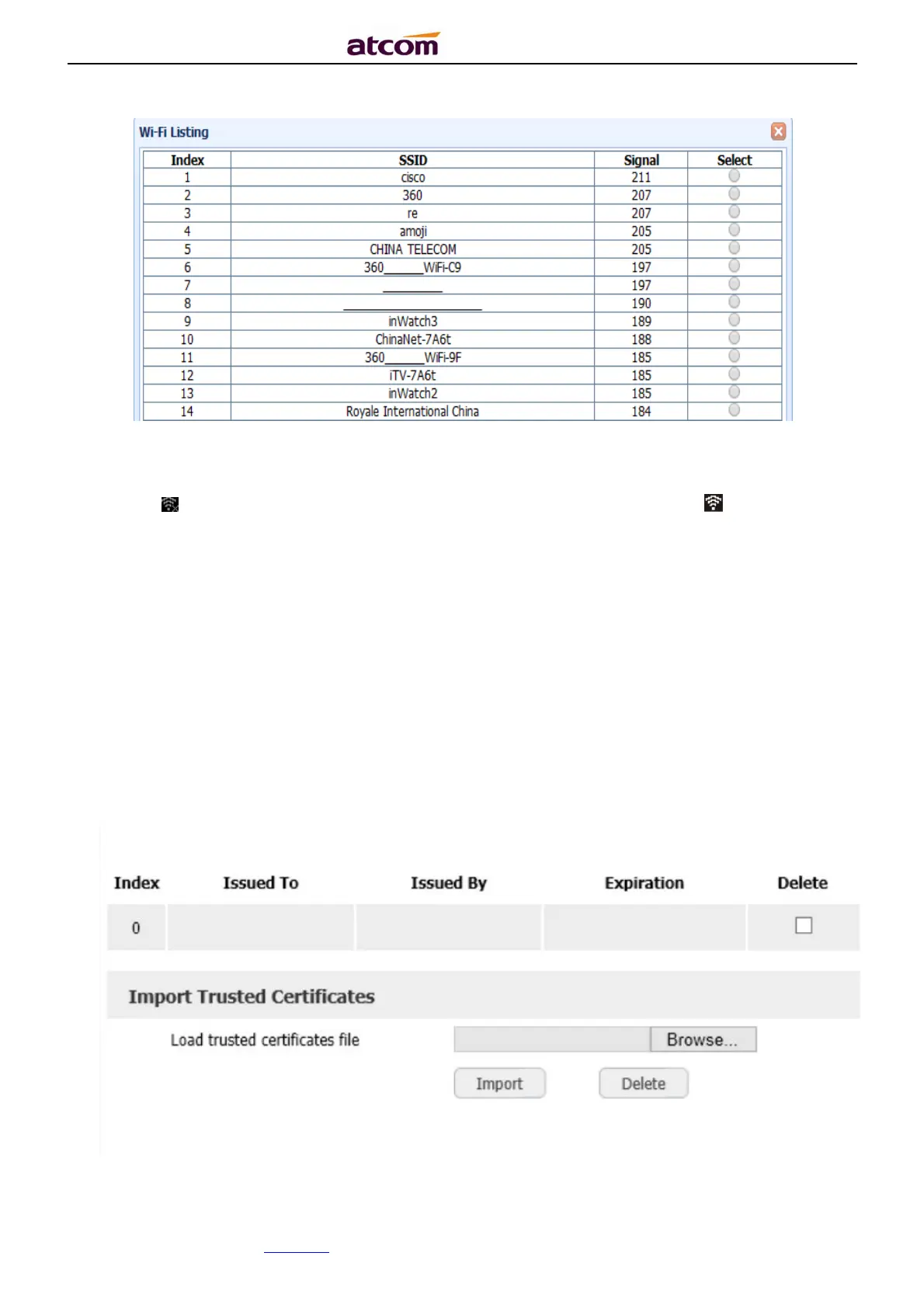
1. Upload the Certificates
Via the webpage: “Phone”→“Trusted Certificates”



 To Next Page