A2X(W)/A20LTE IP Phone User Manual
ATCOM TECHNOLOGY CO., LIMITEwww.atcom.cn12
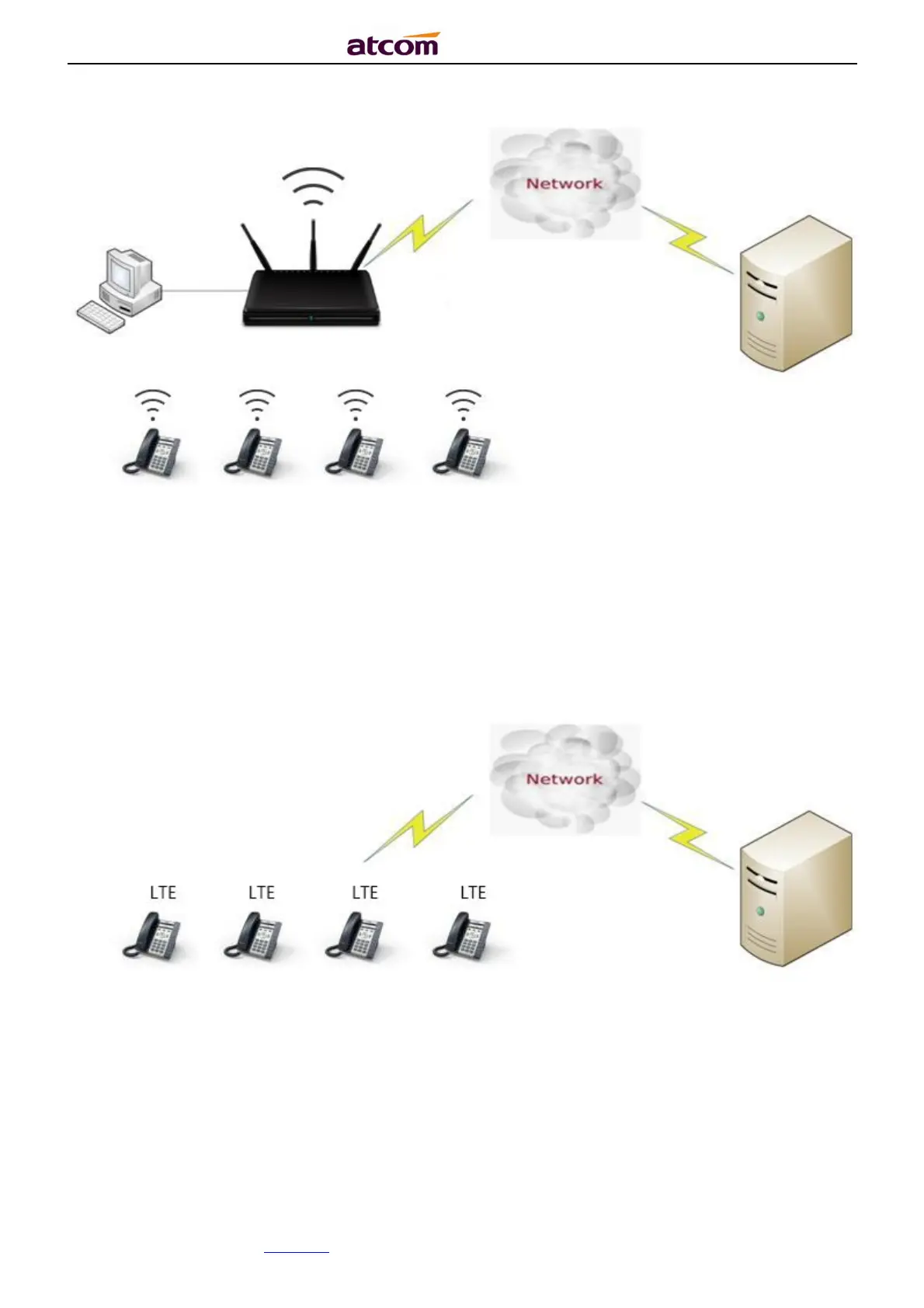
1.10.3. Connect LTE network
If enable LTE setting, A20LTE get service network.
(Note: The A20LTE phone can communicate with other devices through the LTE data
acquisition network. The acquired LTE data network is the public network of the carrier. At this
time, the phone web interface cannot be accessed.)
The topology is as follows:
1. Press Menu → LTE Setting, enable LTE feature
2. After enable LTE, press ↓ key, you can see Network service, Network type,
Signal strength and IMSI.



 To Next Page