A2X(W)/A20LTE IP Phone User Manual
ATCOM TECHNOLOGY CO., LIMITEwww.atcom.cn29
Check the Voicemail status
3.2. Starting
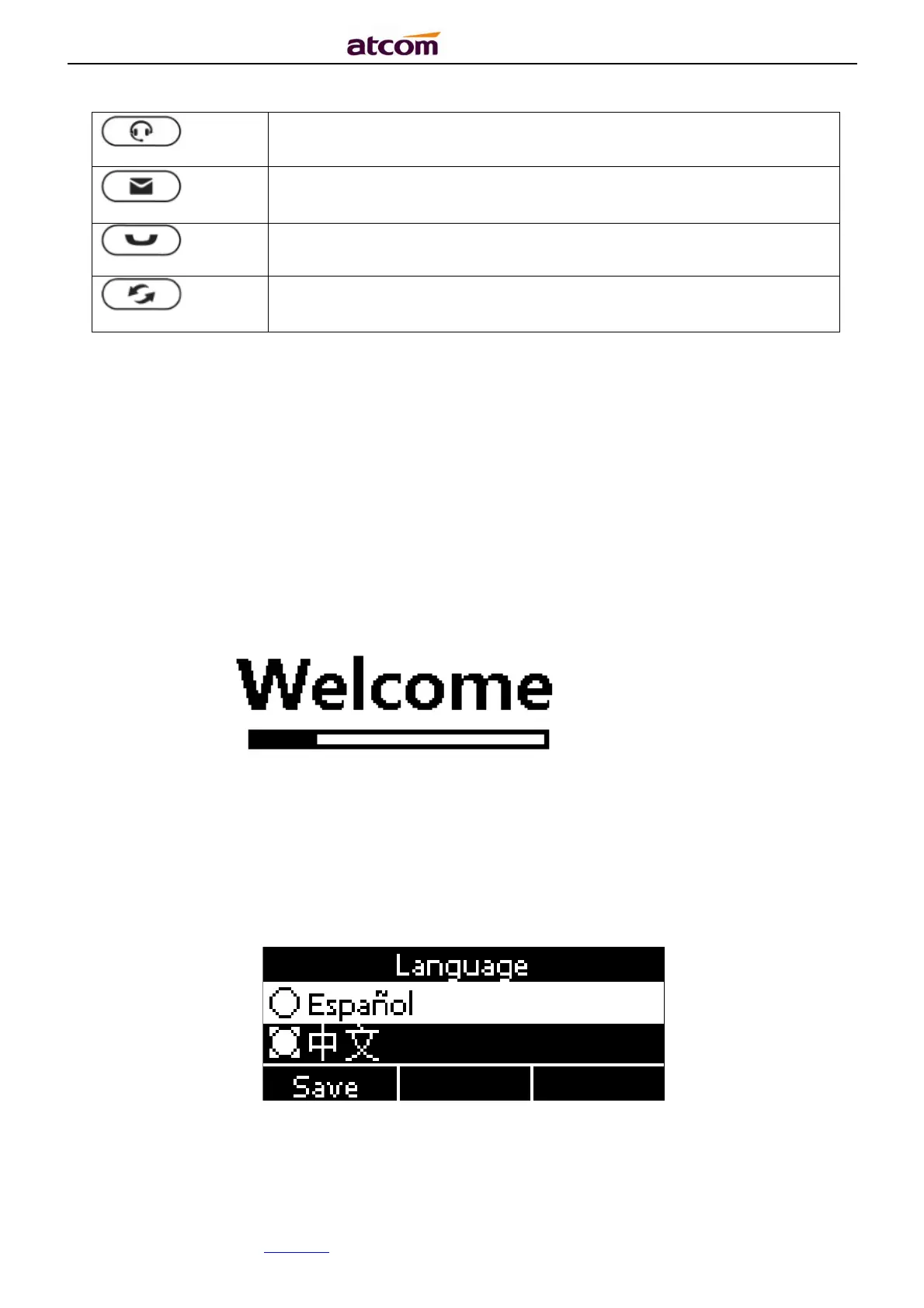
3.2.1. When start on the phone, it turns to standby status in about 50 seconds.
3.2.2. After boot up finished, User can select the Language and time zone manually,
and choose to connect the WIFI or not in the A20W or A20WAC IP phone.



 To Next Page