IPPBX IP08 User Manual
~ 24 ~ ATCOM TECHNOLOGY CO., LIMITED
Envelope
Envelope controls whether or not IPPBX will play the message envelope (date/time) before playing the voicemail
message.
Review
Let a caller review their message before committing it to a mailbox.
Delete Messages After Notification
When voicemail to email is set, after voicemail is sent out via email successfully, the voicemail will be deleted
from IPPBX. This is intended for use with users who wish to receive their voicemail ONLY by email.
Ask Caller to Dial 5
If this option is set, the caller will be prompted to press 5 before leaving a message.
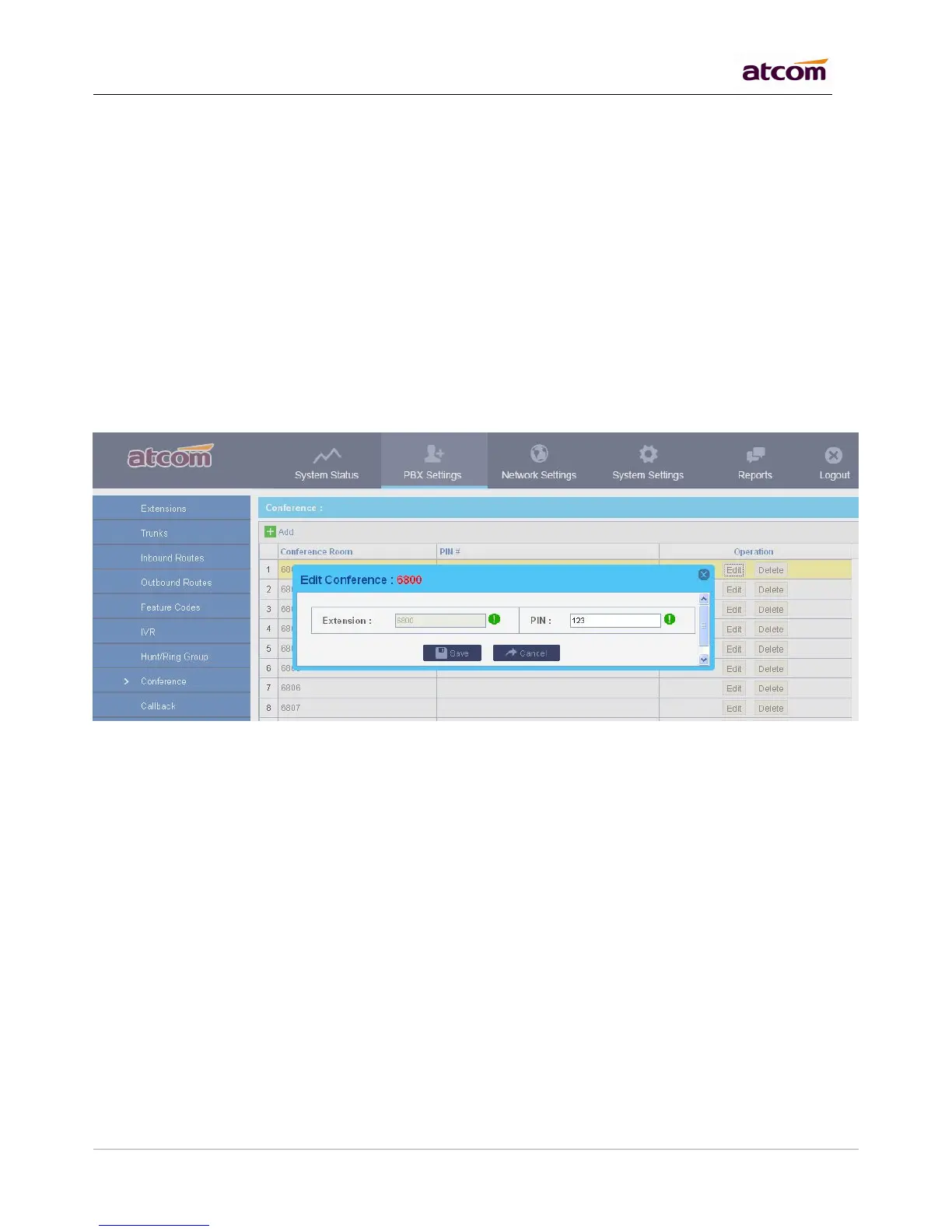
Allows participants dial into a virtual meeting room from their own phone, support up to 20 participants.
Conference Room
Extension number of conference room, participant dial it to get into the room.
PIN#
Used for authentication before participants dial into the room, IPPBX will playback MoH for the first participant.
Dial a code and connect directly to a built-in two-way announcement and talkback function on one or more
phones, support up to 20 participants.
Paging Group Number
Extension number of paging group, dial it to reach this group.
Duplex
If checked, caller and callees all can speak and hear. Otherwise, only caller can speak, and callees can hear.



 To Next Page