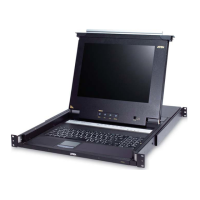
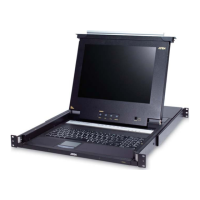
CL5708 / CL5716 User Manual
78
(Continued from previous page.)
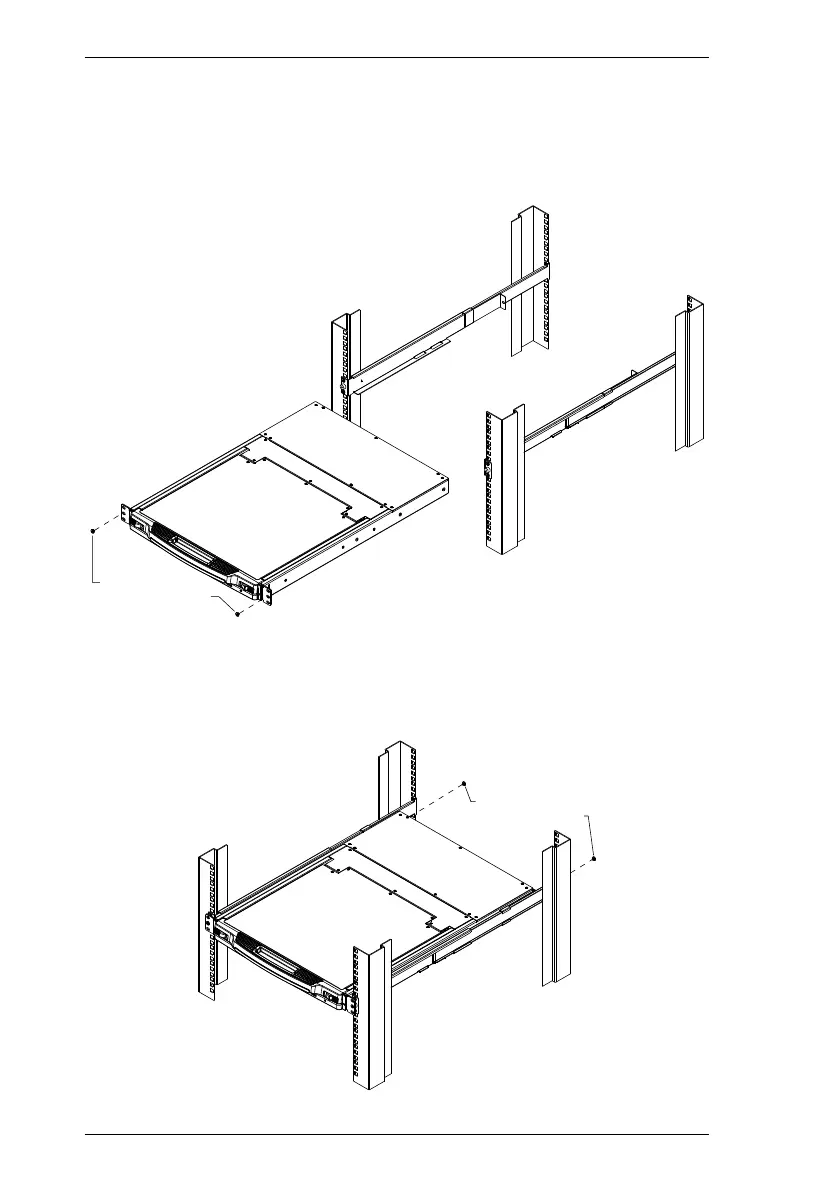
3. Slide the switch onto the support flanges. Use the screws supplied with
this package to loosely attach the front of the switch to the front of the rack
(only tighten the screws part way).
4. Slide the rear attachment sliding brackets along the slide bars until they
contact the rear of the switch, then use the screws supplied with this
package to attach the bars to the rear of the switch (tighten the screws all
the way).
M4 x 6
Phillips Head Screw
M4 x 6
Phillips Head Screw



 To Next Page