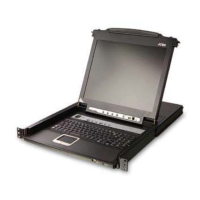
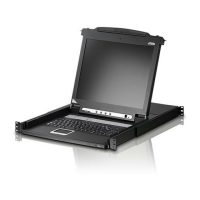
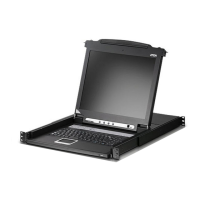
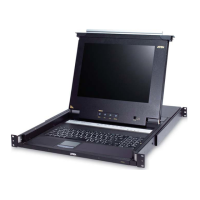
81
Index
A
Activate Beeper, 40
Active Port
selecting, 47
ADM, 38
Auto Scan Mode, 44, 48
Auto Scanning
Invoking Auto Scan, 48
Pausing, 48
Stopping, 48
B
Beeper, 40, 50
Hotkey Control, 51
BRC, 43
Broadcast Mode, 43
C
CL5708 / CL5716
AC Power Rear view, 9
DC Power Rear view, 10
Front view, 7
Overview, 1
CL5708D / CL5708E
Specifications, 67
CL5708M / CL5708N
Specifications, 69
CL5716D / CL5716E
Specifications, 68
CL5716M / CL5716N
Specifications, 70
Clear Login Information, 74
Clear Name List, 40
Closing the console, 22
Components, 7
Connection Tables, 71, 72
Console
Closing, 22
Opening, 21
D
Daisy chain connection tables, 71,
72
Daisy chaining, 19
E
Easy installation rack mounting, 76
Edit Port Names, 40
F
F1 GOTO, 34
F2 LIST, 35
F3 SET, 36
F4 ADM, 38
F5 SKP, 42
F6 BRC, 43
F7 SCAN, 44
F8 LOUT, 44
Factory default settings, 75
Features, 3
Firmware upgrade
enabling, 41
firmware upgrade port, 58
preparation, 58
recovery, 62
Front View, 7
G
GOTO, 34
H
Hardware requirements
cables, 5



 To Next Page