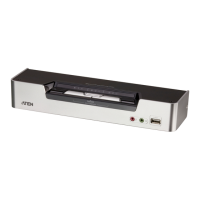
CS1642A / CS1644A User Manual
14
7. Using the custom DVI Dual Link cable, plug the DVI connector into the
DVI socket B in the same KVM port section of the switch.
8. At the other end of the custom DVI Dual Link cable, plug the monitor
cable into its respective port on the computer.
Note: Repeat steps 5, 6, 7, and 8 for each dual-screen PC system you are
installing.
9. Plug your USB peripherals into the type A sockets (one is located on the
front, the second is located on the rear).
10. Plug the power adapter that came with your switch into an AC power
source, then plug power adapter cable into the switch’s Power Jack.
11. Power on the computers.


 To Next Page
 Loading...