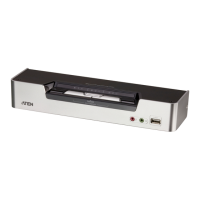
CS1642A / CS1644A User Manual
40
Upgrade Failed
If the Upgrade Succeeded screen doesn’t appear, it means that the upgrade
failed to complete successfully, in which case you should do the following:
1. Power off the CS1642
A / CS1644A by removing the power jack.
2. Invoke Firmware Upgrade Mode by holding down the Mode Selection
pushbutton on the front panel (see Mode Selection Pushbutton, page 9)
and power on the CS1642
A / CS1644A. The orange LEDs flash together.
3. Do the firmware upgrade procedure again.


 To Next Page
 Loading...