3-4
CAUTION
guard when used mounted on the weapon.
NOTE
used in conjunction with a collimated dot sight or laser aiming
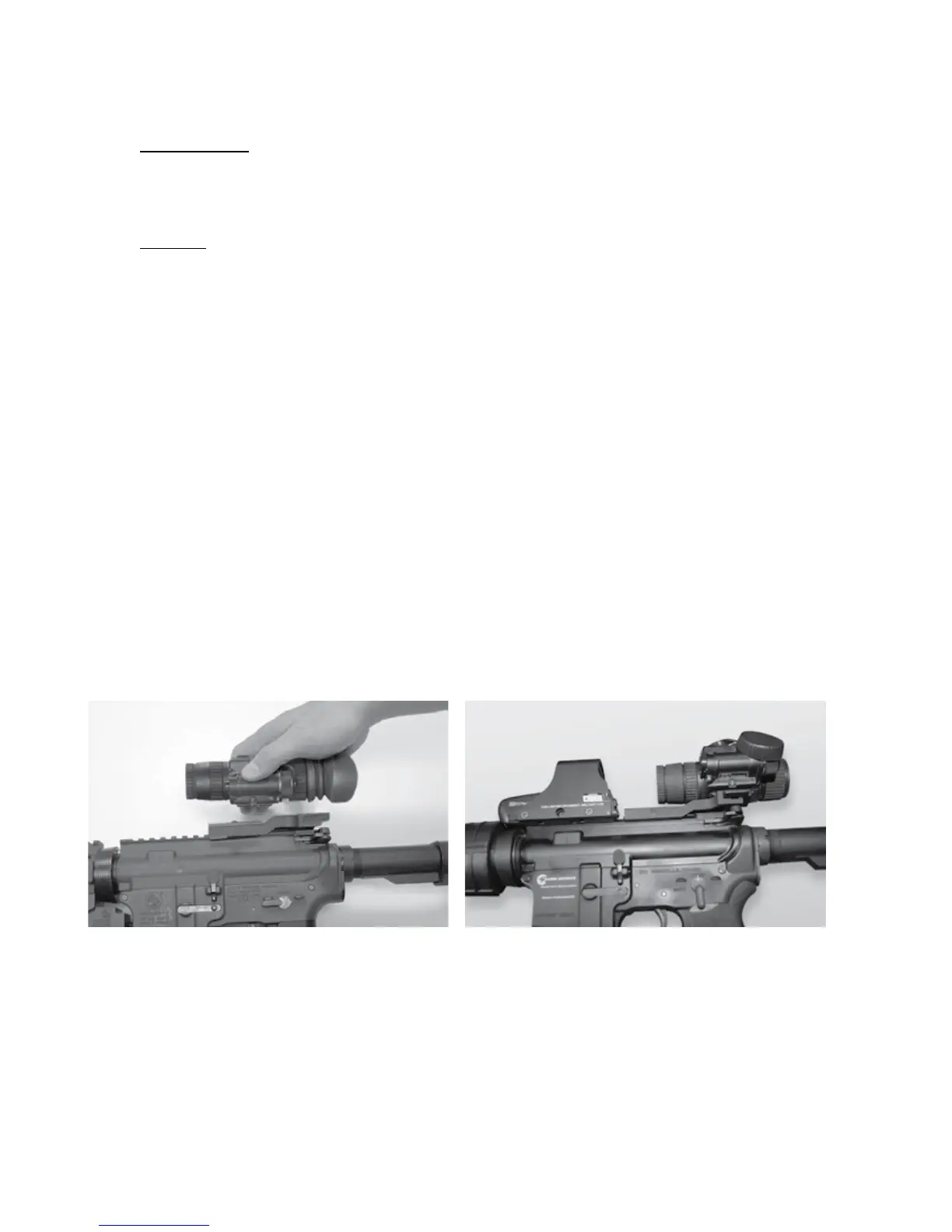
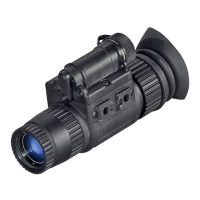
To mount the ATN NVM-14 perform the following:
1. Loosen the clamping knob on the weapon mount. Position the
monocular mount onto the weapon’s mounting rail, adjust the
fore/aft position of the monocular as necessary by loosening
the clamping knob and repositioning the weapon mount on the
rail. Tighten by turning the clamping knob.
2. Align the monocular and the weapon mount. Slide the mon-
ocular rearwards until the alignment boss aligns with the align-
ment groove on the weapon mount. Push until the monocular
locks into the weapon mount (Figure 3.3).


 To Next Page