6-12
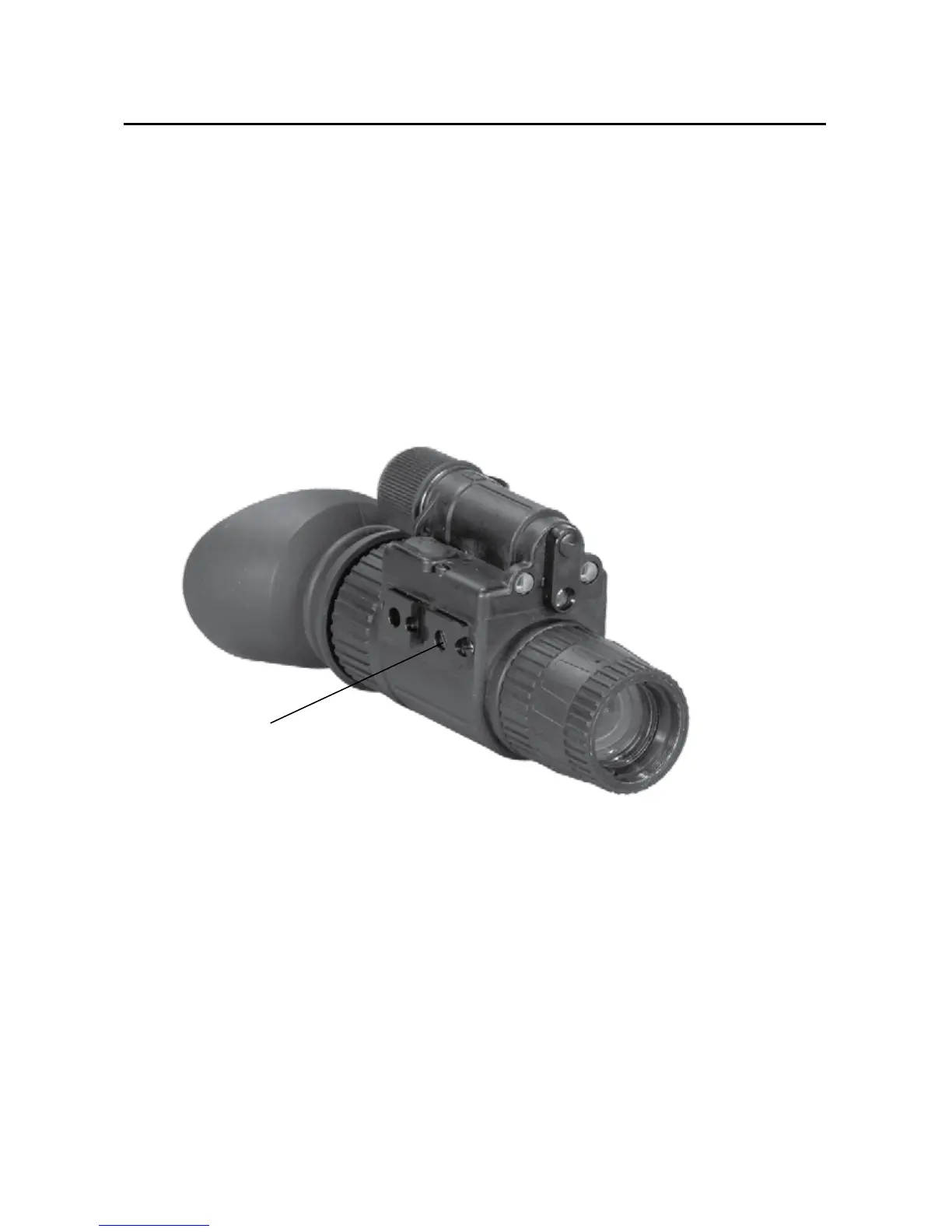
6.6. PURGE SYSTEM
1. Remove purge screw (A) from system.
2. Install purge valve into system.
3. Open vacuum, draw vacuum on system to a minimum of
0.06 MPa. Close vacuum port.
4. Open nitrogen valve. Purge system to a minimum pressure of
0.06 MPa (gauge).
5. Close/remove purge valve.
6. Return purge screw to system.
A


 To Next Page