3-8
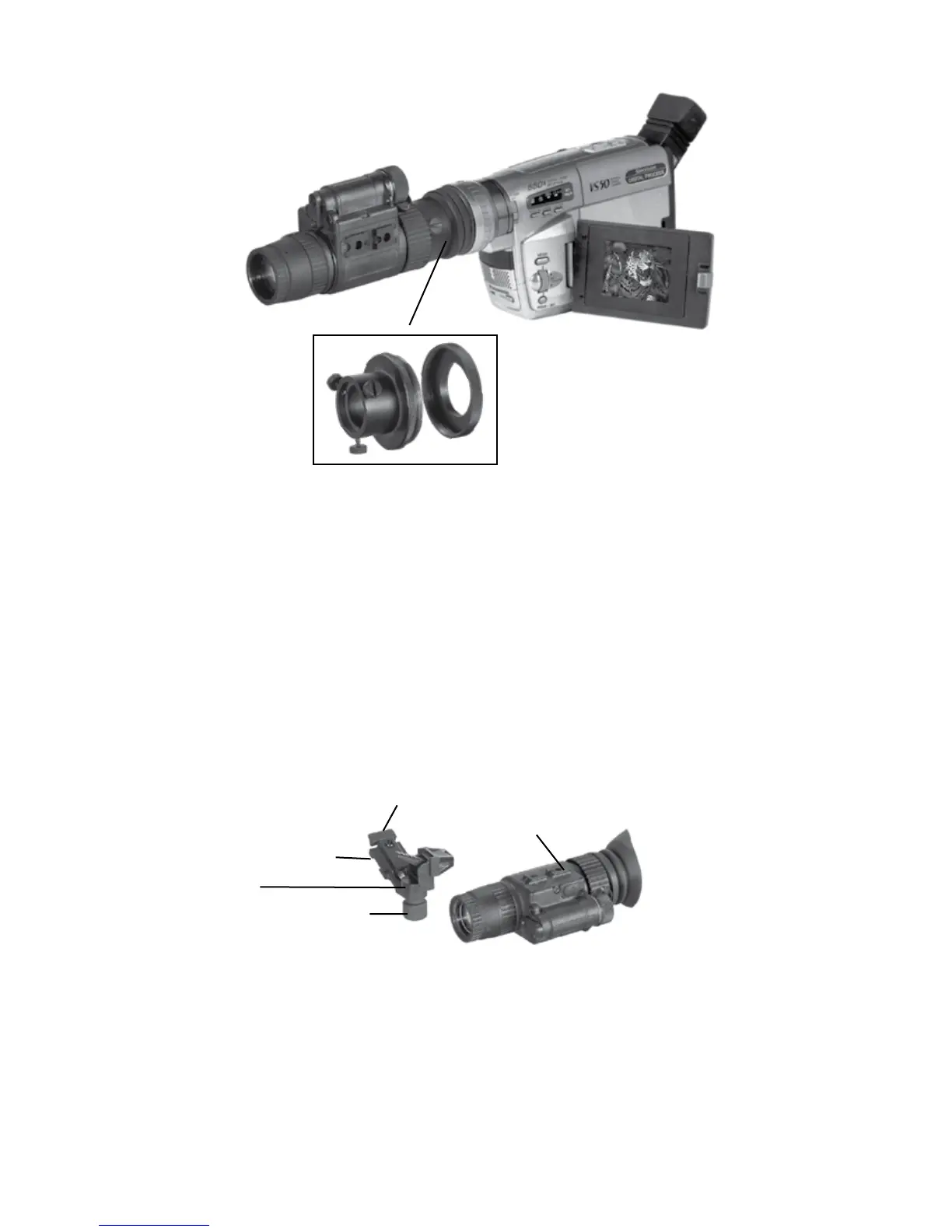
3. Connect the adapter (Figure 3.7, A) with the eyepiece and gen-
tly tighten three fixing screws (Figure 3.7, B) on the adapter.
HEAD MOUNT AND MICH OR PASGT HELMET
MOUNT
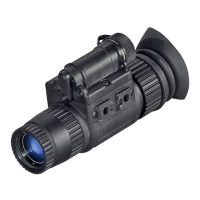
To mount the ATN NVM-14 to a head/helmet mount, perform the
following:
1. Attach the adapter (Figure 3.9, A) to the rail (B) of
ATN NVM-14. Push the clip (C) and slide the rail of monocular
into socket (D) of adapter. Push the clip until the adapter will
lock the alignment groove in the monocular.
A
B
E
D
C
A
B


 To Next Page