FEATURES
|
49
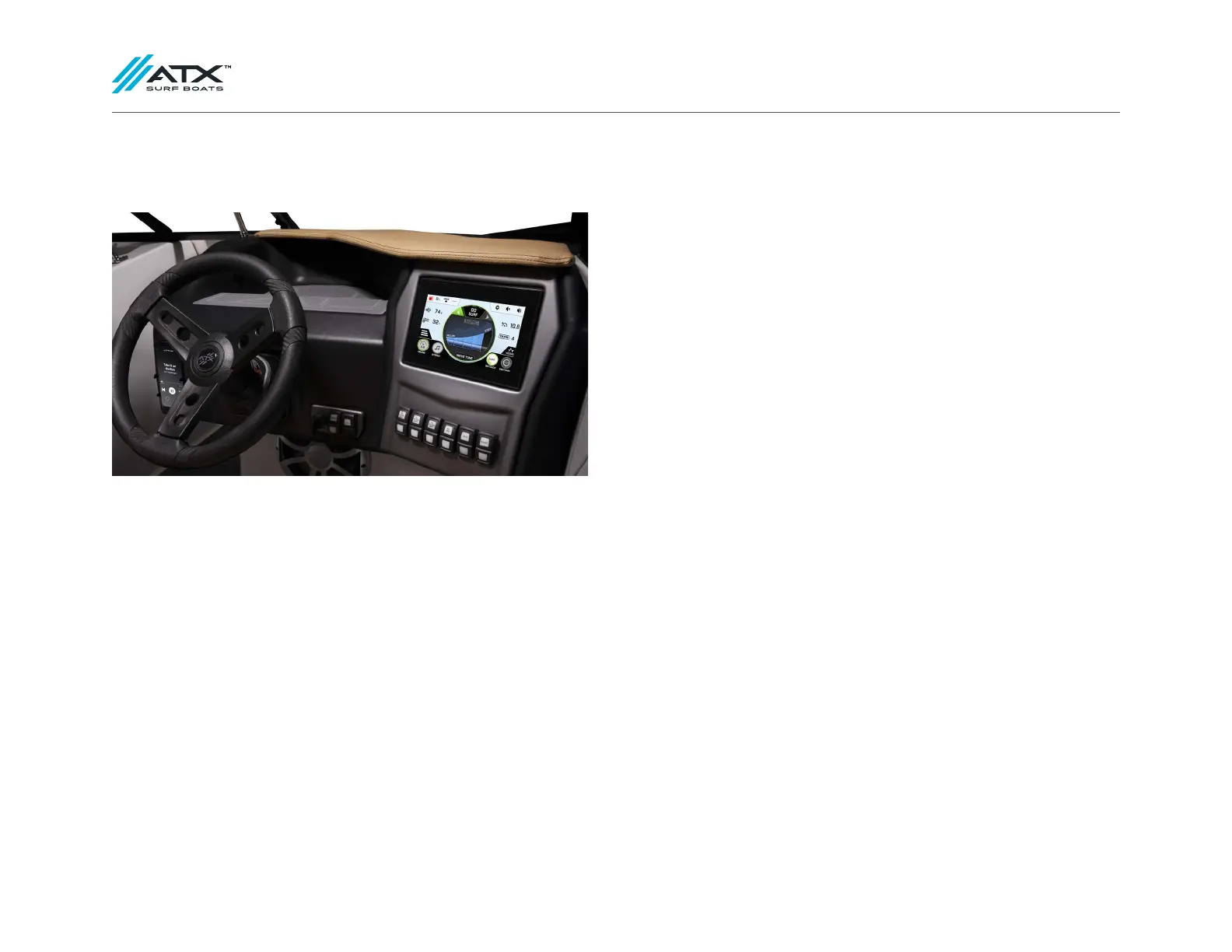
GAUGES
FUEL GAUGE: Indicates the approximate amount of fuel in the tank. The igni-
tion switch must be in the RUN position to activate the gauge.
SPEEDOMETER: Indicates forward speed of the boat in miles per hour (MPH).
ENGINE HOUR METER: Keeps a running total of engine hours while engine is
running. The hour meter is located in the vessel menu of our ATXperience Control
Center screen.
Make sure the key is in the OFF position when the engine is not running. Ac-
cessory equipment (stereos, showers, etc.) should not be installed to operate
when the key is in the ON position.
IMPORTANT
The hour meter will log time whenever the engine is running.
TACHOMETER: Indicates engine speed in crankshaft revolutions per minute, or
RPM.
DIGITAL DEPTH FINDER/AIR/WATER TEMPERATURE DISPLAY: Water depth, air,
and water temperature are located on the second page of your ATXperience
Control Center screen.
Setting the ZeroO GPS Cruise Control Display:
1. Turn the ignition key to the ON position.
2. On the ATXperience Control Center screen select SWITCHING
on the home screen.
3. Next select SYSTEM SETTINGS.
4. Then select USER SETTINGS.
5. Select Gauge Units and use the up and down arrows on the screen to
change between US STD and METRIC.
6. When finished, press the ATX Logo button on the bottom left of the screen
to bring you back to the home screen.
TAPS GAUGE: Indicates the position of the TAPS plate located on the top of the
ATXperience Control Center home screen.



 To Next Page