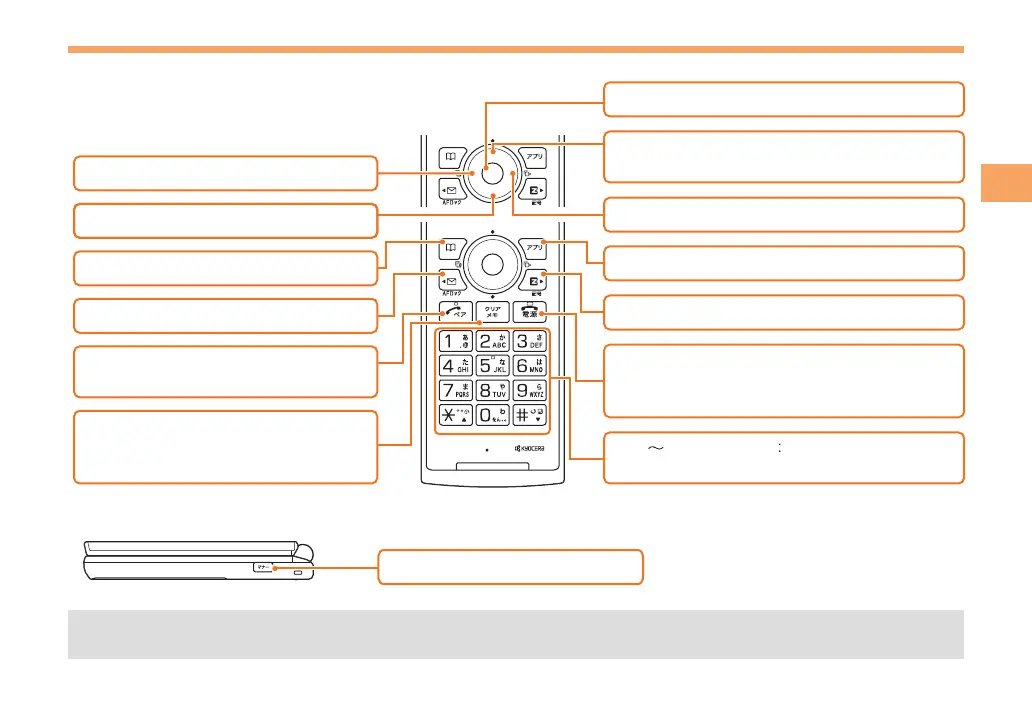
and return to the standby screen.
: Display Incoming History.
: Display EZ Service menu.
: Turn power on/off.
End call/communication.
Cancel operation.
: Display Outgoing History.
: Display EZapps menu.
l
: Display PetaMemo icon.
d
: Display the ticker field/info pane.
Activate Camera.
u
: Use Phone Book.
&
: Display Main menu.
c
: Display E-mail/C-mail menu.
L
: Make/answer calls.
Use the Pair function.
N
: Set/cancel Answer memo.
Delete characters.
Cancel operation.
C
r
%
R
F
Input phone numbers and characters.
0 9*#



 To Next Page