16
Making and Answering Calls
Making and Answering Calls
Making a Call
When the standby screen is displayed, use 0
to 9 to enter a phone number.
When calling to a fixed-line phone, you also need to enter •
the area code.
Press ➡ N.
To end the call, press • F.
After you enter a phone number, you can add 184 or •
186 to the phone number as follows:
Press ➡ Dc (Call).
Use ➡ Dj to select Call 184 or Call 186 and then pr
ess
Dc (Call).
184: When you do not want to infor
m the other party of
your phone number.
186: When you want to inform the other party of your
phone number.
Making an International Call
au International Call Service ■
Available without any additional application
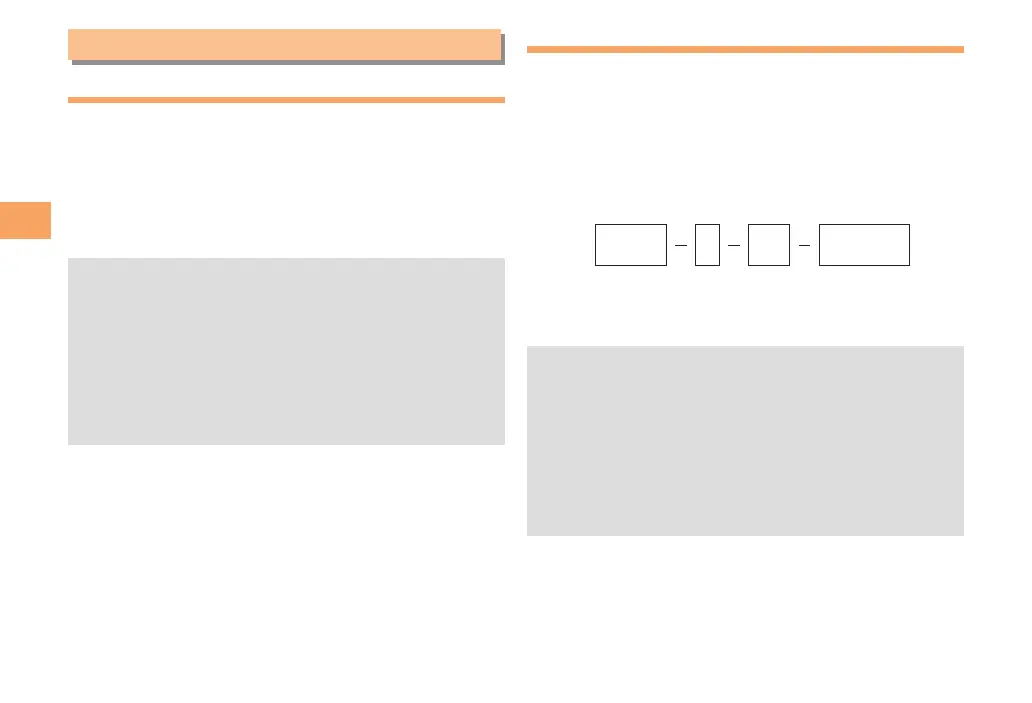
Example: To call 212-123-△△△△ in the USA
Enter the International access code, a country
code, area code and phone number, and then
press N.
International call charges are billed together with •
monthly local call charges.
For more information on au International Call Service, •
dial either of the following numbers:
From au cell phones (toll-free):
157 (area code not required)
From fixed-line phones (toll-free):
0077-7-111
(Open 9:00 to 20:00 everyday)
001010
or010
↑
KDDIInternational
accesscode
↑
Country
code
(USA)
↑
Areacode
↑
Phonenumber
212 123
-
XXXX1



 To Next Page