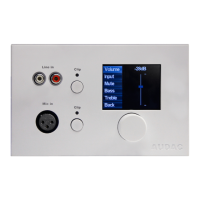
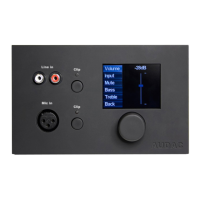
2.5” Graphic color LCD display
This graphical color LCD displays gives a clear overview of all the functions and settings of the
wall panel.
Rotatable function selection dial
The big rotatable dial enables you to control all functions and settings of the wall panel by just
three simple actions: rotate left, rotate right and push. Actions such as browsing between the
zones, increasing the volume, audio source selection, ... can be done by rotating the dial left and
right. Actions such as selection and deselection, toggle settings, ... can be done by pressing the
knob.



 To Next Page