Connecting
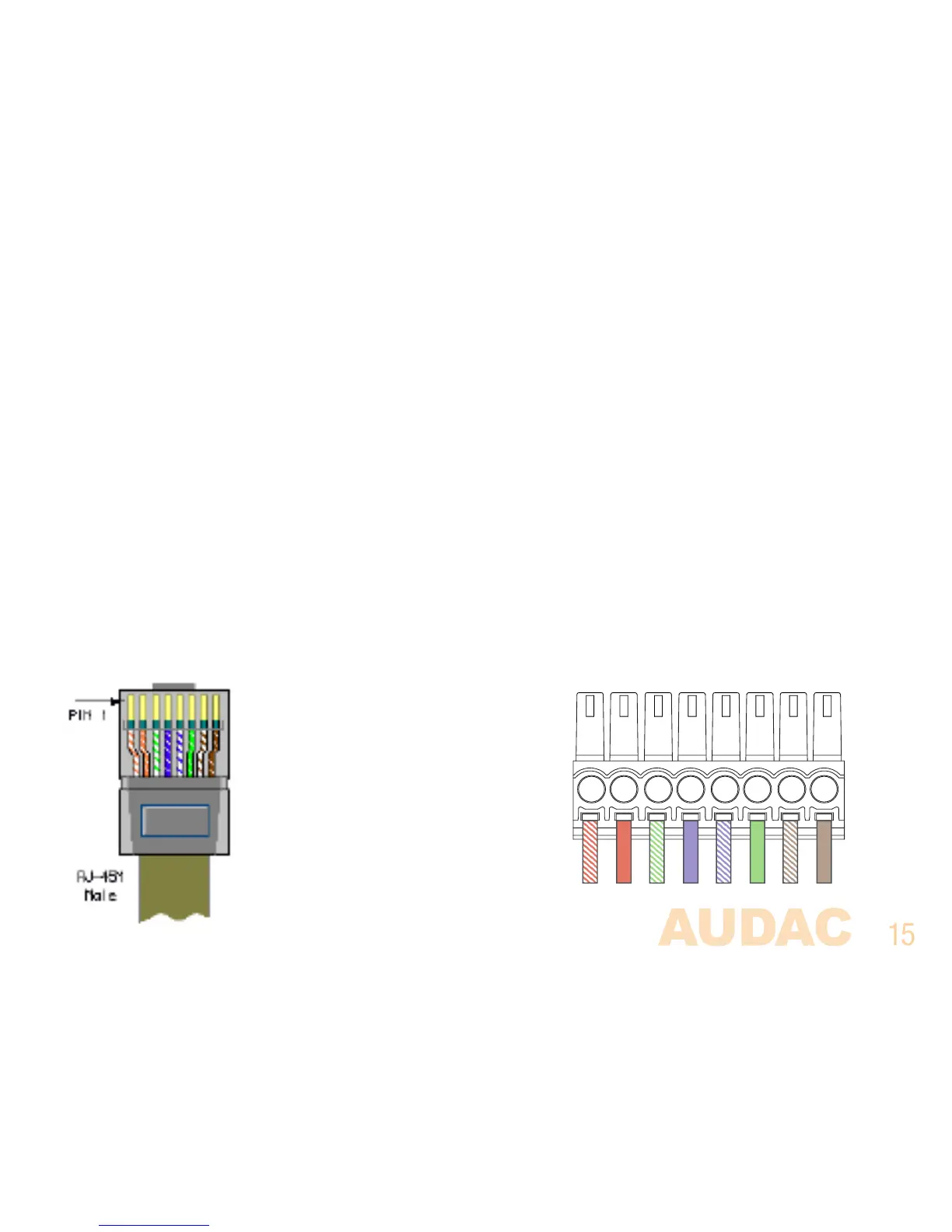
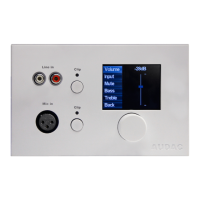
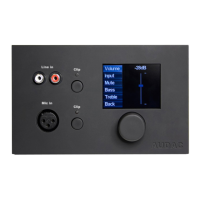
The MWX65 wall panels should be connected on the WP (wall panel) ports of the matrix system with
an UTP CAT5E (or better) twisted pair cable according to the TIA/EIA T568B standard. Depending of
the used matrix system (MTX48 or MTX88) 8 or 16 Wall Panel (WP) inputs are available, Two for each
zone. Make sure the MWX65 wall panels are connected to the right zone whereto the audio inputs
should be linked.
Below is the cable connections when using one MWX65 on a single wall panel input.
MTX PI Port PINOUT (RS485, Digital Audio, +24V DC):
Pin 1 White-Orange MWX65 +
Pin 2 Orange MWX65 -
Pin 3 White-Green +24V DC
Pin 4 Blue RS485 A
Pin 5 White-Blue RS485 B
Pin 6 Green GND
Pin 7 White-Brown Not used
Pin 8 Brown Not used



 To Next Page