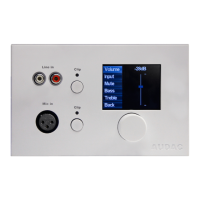
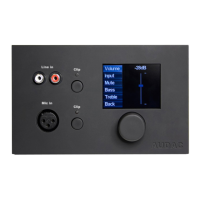
Configuring
Before the MWX65 can be made operational, the following configurations should be made. First of all,
an address needs to be assigned and the available inputs need to be defined.
Configuration can be made by following next steps:
1) Click on “Setup” (top right hand corner of the webinterface then “System configuration”). There
you choose “MWX65”. A window is shown where all the configuration settings for the MWX65 can be
made. On the left side, a dropdown list is visible whereby the address for the MWX65 can be selected.
The addresses can be selected between “W001” to “W008”. After the desired address is selected,
click the “Set Address” button and the displays on all the MWX65 will start blinking. Confirm the
address of the wall panel by pushing the big rotary button on the wall panel and the selected address
will be assigned to the wall panel.



 To Next Page