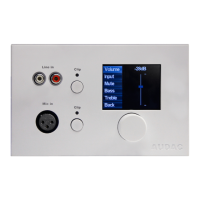
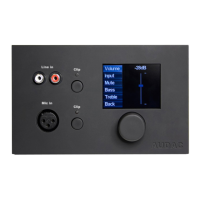
2) The zone which should be controlled by this wall panel can be selected in the dropdown list which is
shown one position to the right.
3) The inputs which are selectable with the wall panel can be chosen in the “Selectable inputs”
dropdown list. After the inputs are selected, they will appear in the listbox shown below. They can be
removed again from this listbox by selecting them, and clicking the “Remove Input” button.
4) Certain actions such as Volume Change, Input change, Mute, Tone control and settings can be
disabled from the wall panel by checking the checkboxes.
5) The microphone input has the possibility to provide +12V phantom power for powering condenser
microphones. The phantom power can be switched ON and OFF by clicking the “Enable Mic Phantom”
checkbox. This setting can also be changed in the MWX65 settings menu. (If “Block settings menu”
isn’t checked)



 To Next Page