EasyManua.ls Logo

AUDAC MWX65 - Chapter 1: Overview of MWX65; Overview Front Panel

AUDAC MWX65
28 pages
Print Icon
To Next Page IconTo Next Page
To Previous Page IconTo Previous Page
Loading...
8
Chapter 1
Overview front panel
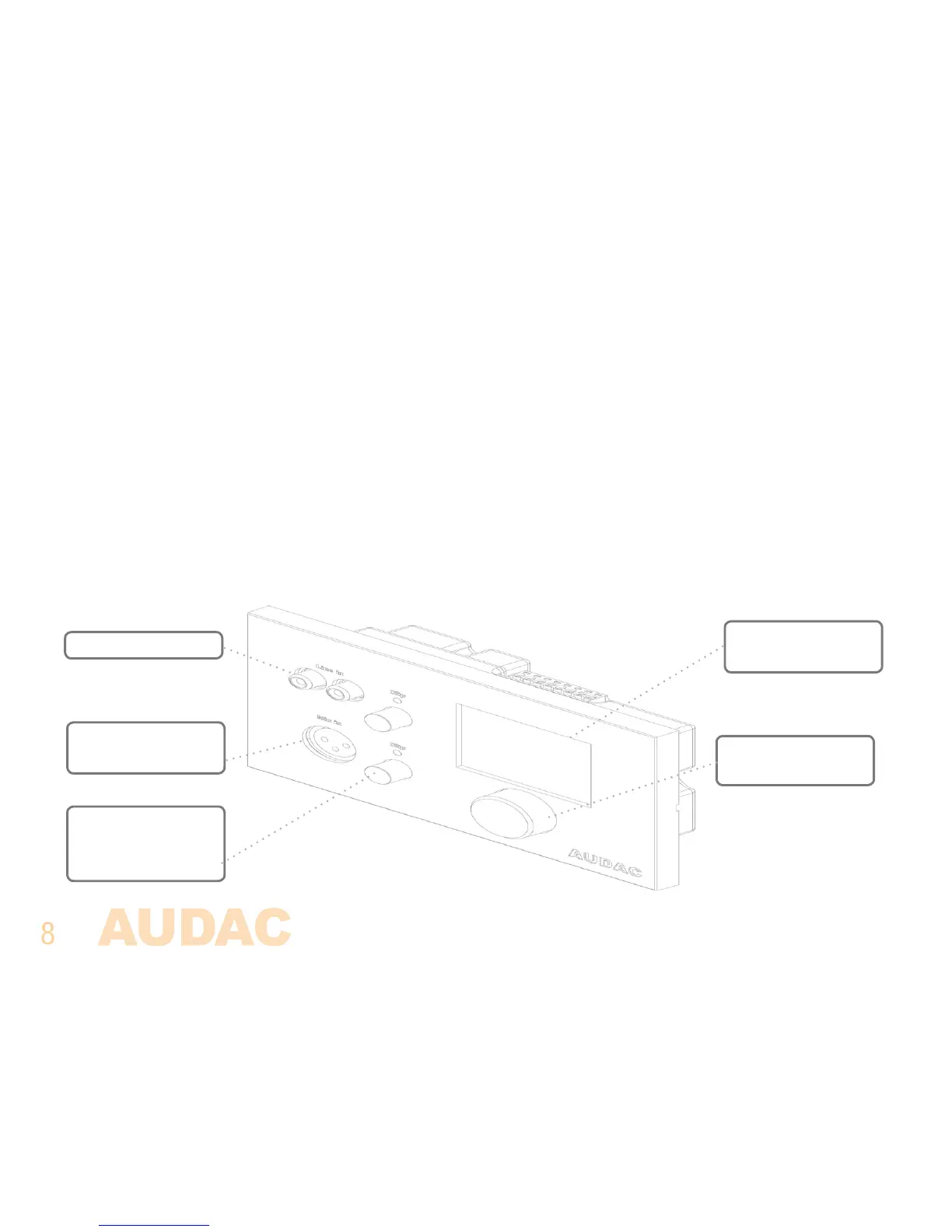
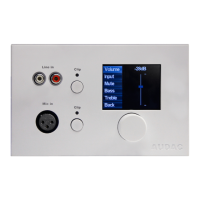
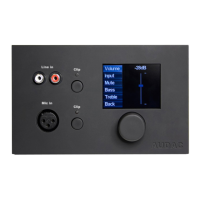
The front panel of the MWX65 wall panel contains a 2.5” graphic color LCD display with two additional
audio inputs. The unbalanced line input is connected with RCA connectors while an XLR connector
is used for connecting balanced microphones. Each input is accomodated with a push-lock gain
control potentiometer and a clip indicator LED. A big rotatable function selection push dial is provided
below the LCD display.
2.5” Graphic color
LCD display
Rotatable function
selection dial
Unbalanced line
Balanced microphone
input
Push-lock gain
control potentiometer
with clip indicator LED

Related product manuals