Quick start guide
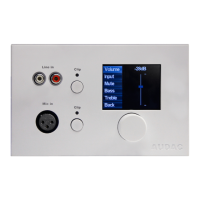
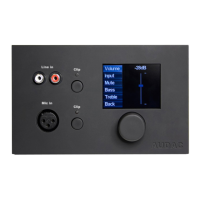
This chapter guides you through the setup process for a basic project where a MWX65 wall panel
should be connected to an MTX series audio matrix. Make sure the audio matrix is installed correctly
and is powered off when connecting the MWX65 wall panel.
ATTENTION
Making or changing any connections while powered-on can lead to permanent
damage of the equipment. Make sure the power is switched off while connecting
and verify correct connection method before powering on!
Connect the MWX65 wall panel to the matrix system with a twisted pair CAT5E (or better) cabling
with a maximum cable length of 300 meters. Make sure the MWX65 is connected to one of the wall
panel inputs on the rear side of the MTX. It should be patched to the input of the zone where the local
audio input should be linked to. Go to the setup menu in the web based interface of the MTX and go to
system configuration. Click on MWX65 for making the settings.



 To Next Page