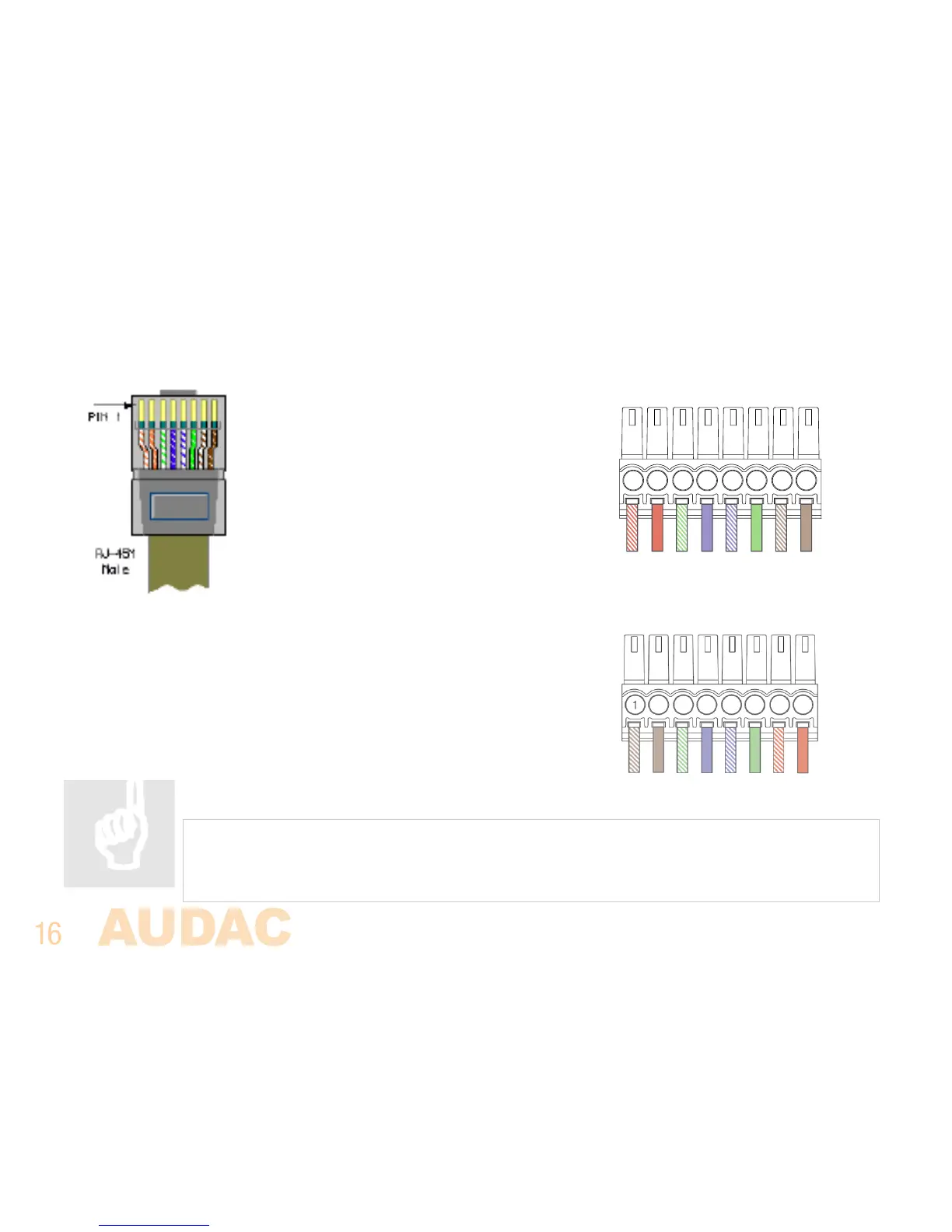
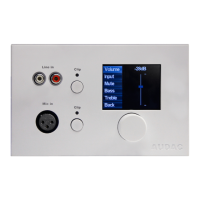
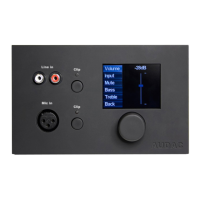
Below is the cable connections when using two MWX65 units on a single wall panel input using a single
CAT5e cable.
First MWX65 connector PINOUT
Pin 1 White-Orange MWX65 +
Pin 2 Orange MWX65 -
Pin 3 White-Green +24V DC
Pin 4 Blue RS485 A
Pin 5 White -B lue RS 4 85 B
Pin 6 Green GND
Pin 7 White-Brown Not used
Pin 8 Brown Not used
Second MWX65 connector PINOUT
Pin 1 Brown Not used
Pin 2 White-Brown Not used
Pin 3 White-Green +24V DC
Pin 4 Blue RS485 A
Pin 5 W hite -Blue R S4 85 B
Pin 6 Green GND
Pin 7 White-Orange MWX65 +
Pin 8 Orange MWX65 -
ATTENTION
Making or changing any connections while powered-on can lead to permanent damage
of the equipment. Make sure the power is switched off while connecting and verify
correct connection method before powering on!-



 To Next Page