6. Supporting Guides
6.1 Gmail
6.1.1 Setting up a Gmail Account:
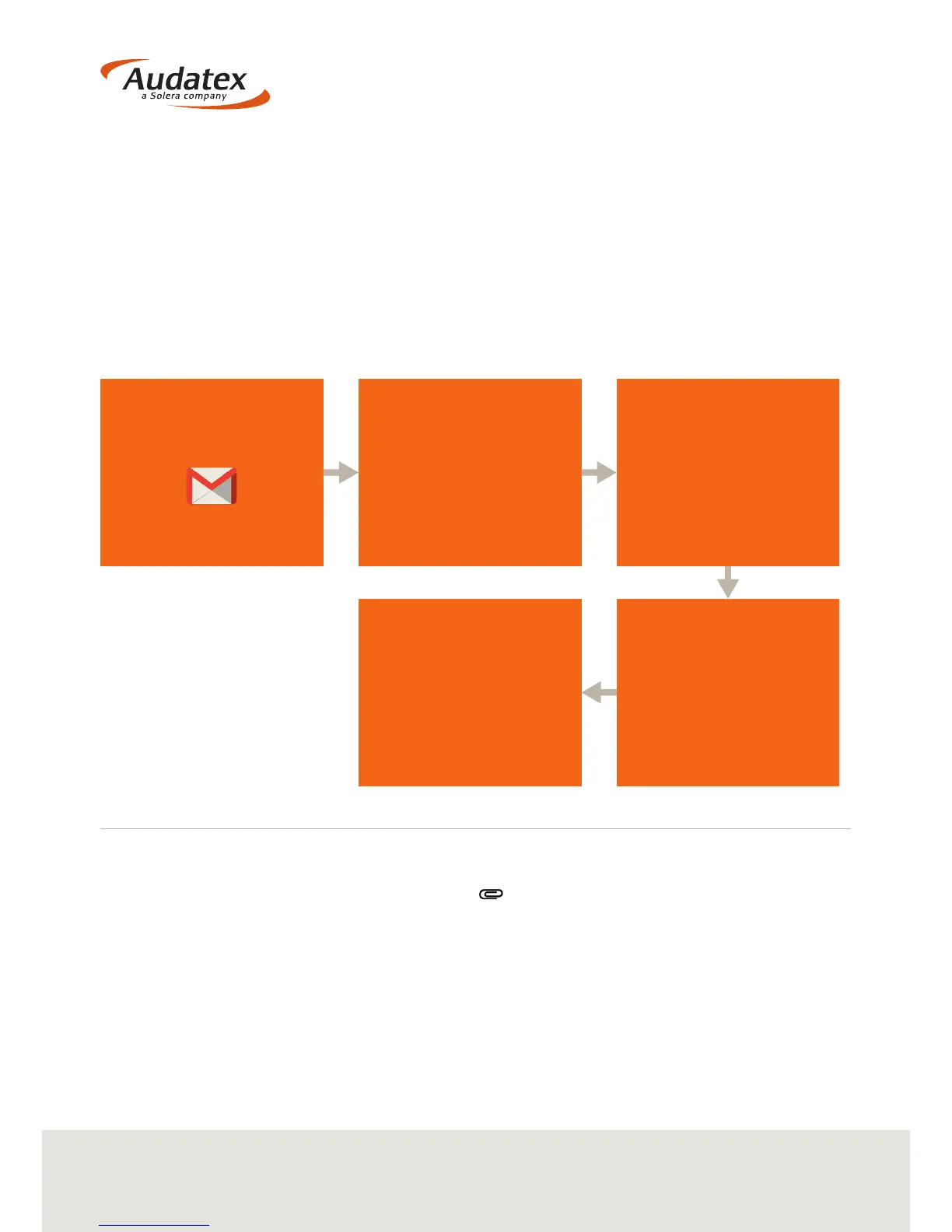
To set up an account with Gmail:
6.1.2 Sharing via Gmail
1. In the compose window, touch Attach
2. Choose from your most recent photos, take a photo or touch ‘Open le browser’ to
view all your photos
3. Your photo will be added in-line
4. To send as an attachment, touch the photo and choose ‘Send as attachment’.
From the ‘tablets’ Home
screen, select the
‘Gmail’ icon
Read the Terms and
Conditions of Use
and if you agree select
‘I Agree’
Once the Account has
been set up successfully
then Gmail will sync
the account
Select the ‘Create New’
icon and complete the
required elds. Once
complete select ‘Create
Account’
Reports from the VHC2 can
now be emailed directly to
another email address, be
that for internal use (like
adding to an assessment)
or sending to a client.


 To Next Page