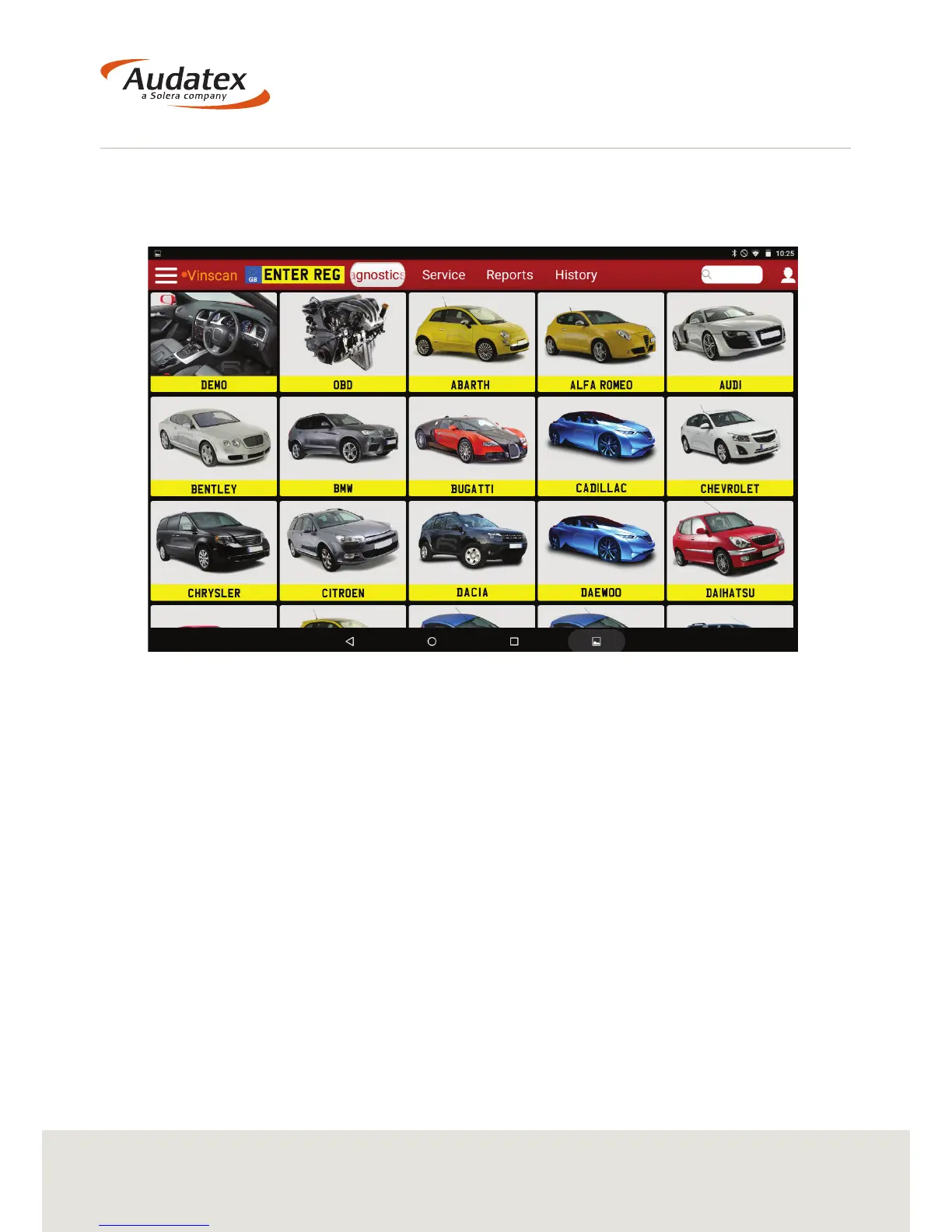
4.2.1 Searching for the Vehicle
To carry out a Diagnostic scan on a vehicle you can automatically or manually search
for the vehicle.
Automatic Vehicle Search:
VIN Search:
If the VCI unit is connected to the vehicle you will be able to select Vinscan (located
at the top left of the screen). The VHC2 will scan the vehicle and automatically select
the correct model.
REG Search:
By entering the vehicle’s Registration details into the Number Plate, the VHC2 will
automatically select the correct model.
(Note – You must be connected online for this function to work)
Manual Vehicle Search:
To manually select the vehicle you must rst start by selecting the relevant
Manufacturer and Model.


 To Next Page