4. Using the VHC2
To access the Audatex VHC2 program you need to select the VHC2 logo from the
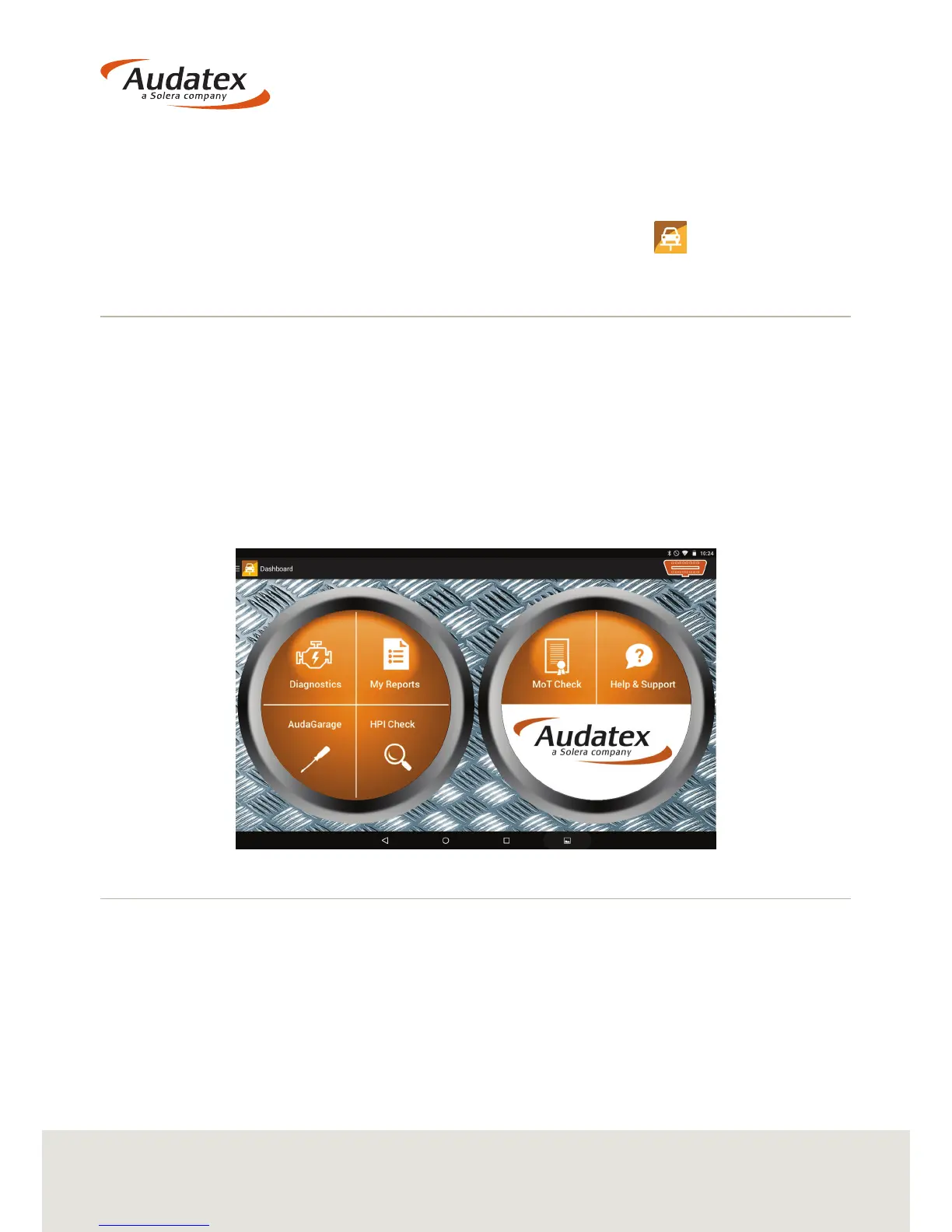
tablet’s Home Screen. Once selected you will be taken to the VHC2 Main Menu, the
‘Dashboard’.
4.1 Navigating the Dashboard
From the Dashboard you can access the VHC2’s core operations:
• Diagnostics
• My Reports
• AudaGarage
• HPI Check
• MOT Check
• Help & Support
4.2 Diagnostics
Selecting the Diagnostics icon will allow you to carry out the following:
• Perform a vehicle scan
• Update the VHC2 unit
• Create reports
• Edit settings


 To Next Page