Opening and clo sin g
Key set
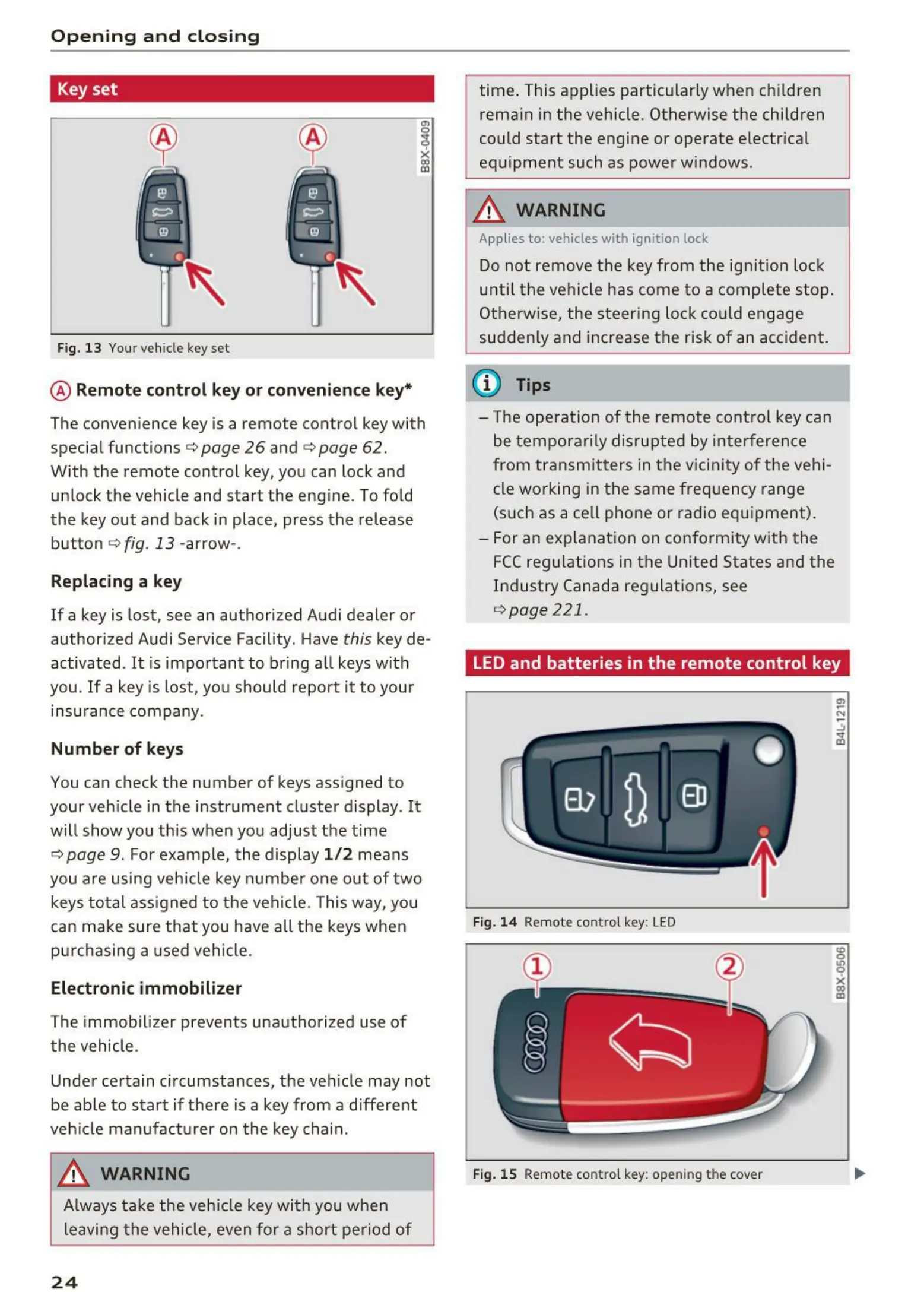
Fig. 13 Your vehicle key set
I
X
CX)
cc
@ Remote control key or convenience key*
The convenience key is a remote control key with
special functions
c> page 26 and c> page 62.
With the remote control key, you can lock and
unlock the vehicle and start the engine . To fold
the key out and back in place, press the release
button
c>fig. 13 -arrow-.
Replacing a key
If a key is lost, see an authorized Audi dealer or
authorized Audi Service Facility . Have
this key de -
activated .
It is important to bring a ll keys with
you .
If a key is lost, you should report it to your
insu rance company.
Numb er of keys
You can check t he number of keys ass igned t o
your veh icle in the instrument cluster display . It
will show you this when you adjust the time
c> page 9. For examp le, the display 1 / 2 means
you are using vehicle key numbe r one out of two
keys total assigned to the vehicle. This way, you
can make sure that you have all the keys when
purchasing a used vehicle.
Electronic immobilizer
The immob ilizer prevents una uthorized use of
the vehicle .
Under certain circumstances, the veh icle may not
be ab le to start if there is a key from a different
veh icle man ufact urer on the key cha in.
A WARNING
Always take the vehicle key with you when
leaving the vehicle, even for a short period of
24
time . This applies particularly when children
rema in in the vehicle. Otherwise the children
could start the engine or operate electrical
equipment such as power windows .
A WARNING
Applies to: vehicles with ignition lock
Do not remove the key from the ign it ion lock
until the vehicle has come to a complete stop.
Otherw ise, the steering lock could engage
suddenly and increase the risk of an accident.
@ Tips
- The opera t ion of the remote cont rol key can
be temporarily disrupted by interference
from transmitters in the vicinity of the vehi-
cle working in the same frequency range
(such as a cell phone or radio equipment).
- For an exp lanation on conformity with the
FCC regulations in the United States and the
Industry Canada regulat ions, see
c>page 221.
LED and batteries in the remote control key
Fig. 14 Remote control key: LED
Fig. 15 Remote cont rol key: opening th e cover



 To Next Page