22 Dr iv e r in f ormation d is pl ay
Service interval display
The service interval display reminds you when
your next service is due .
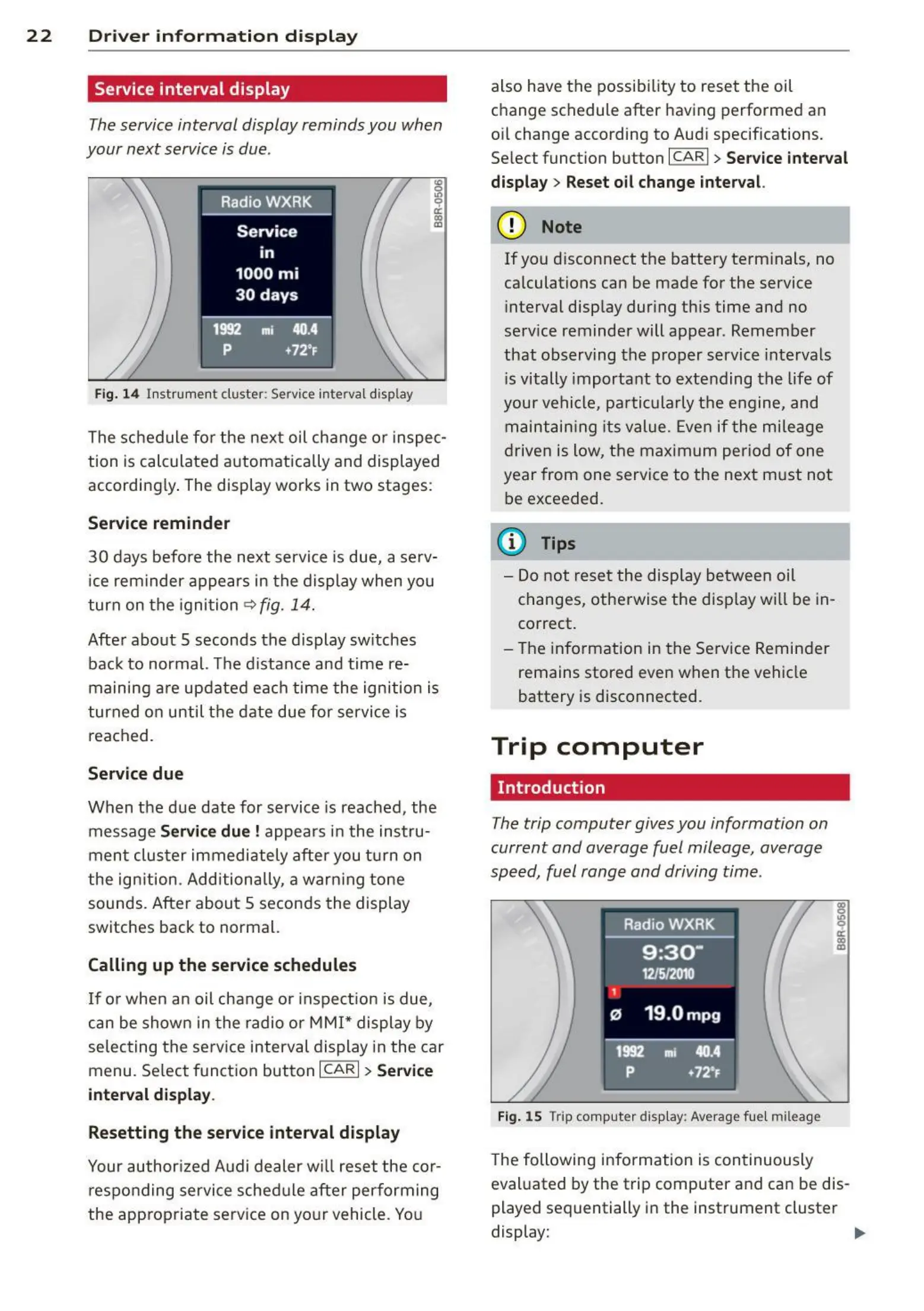
Fig. 14 Instrument cluster: Service interval display
The schedule for the next oil change o r inspec-
tion is calculated automatically and displayed
according ly. The display works in two stages:
Service reminder
30 days before the next service is due, a serv-
ice reminder appears in the display when you
turn on the ignition
C? fig. 14.
Afte r about 5 seconds the display sw itches
back to normal. The distance and time re-
maining are updated each time the ignition is
turned on until the date due for service is
reached.
Service due
When the due date for service is reached, the
message
Service due! appears in the instru-
ment clus t er immediately after you tu rn on
the ign ition. Additionally, a warn ing tone
sounds. After about 5 seconds the display
switches back to normal.
Calling up th e service schedules
If or when an oil change or inspect ion is due,
can be shown in the radio or MMI* display by
selecting the serv ice interval display in the car
menu. Select funct ion button
ICARI > Service
int erval display.
Resetting the service interval displ ay
Your author ized Audi dealer will reset the cor-
responding service sched ule after performing
the app ropriate service on yo ur vehicle. You
also have the possibility to reset the oil
change schedule after having performed an
oil change according to Audi specif ications.
Select function button
ICARI > Service interval
display> Reset oil change int erval.
(D Note
If you d isconnect the battery terminals, no
ca lculations can be made for the service
interval display dur ing this time and no
serv ice reminder will appear. Remember
that observing the proper service intervals
is vitally important to extending the life of
your vehicle, particularly the engine, and
maintain ing its value. Even if t he mileage
drive n is low, the maximum period of one
year from one service to the next m ust not
be exceeded.
(D Tips
- Do not reset the display betwee n oil
changes, othe rwise the disp lay will be in-
correct.
- The information in the Service Reminder
remains stored even when the vehicle
battery is disconnected.
Trip computer
Introduction
The trip computer gives you information on
current and overage fuel mileage , average
speed, fuel range and driving time.
Fig. 15 Trip computer disp lay: Average fue l mileage
The following information is con t inuously
evaluated by the trip computer and can be dis-
played sequentially in the instrument cluster
display: .,.



 To Next Page