HARDWARE HARDWARE
Power Function Button
Brightness
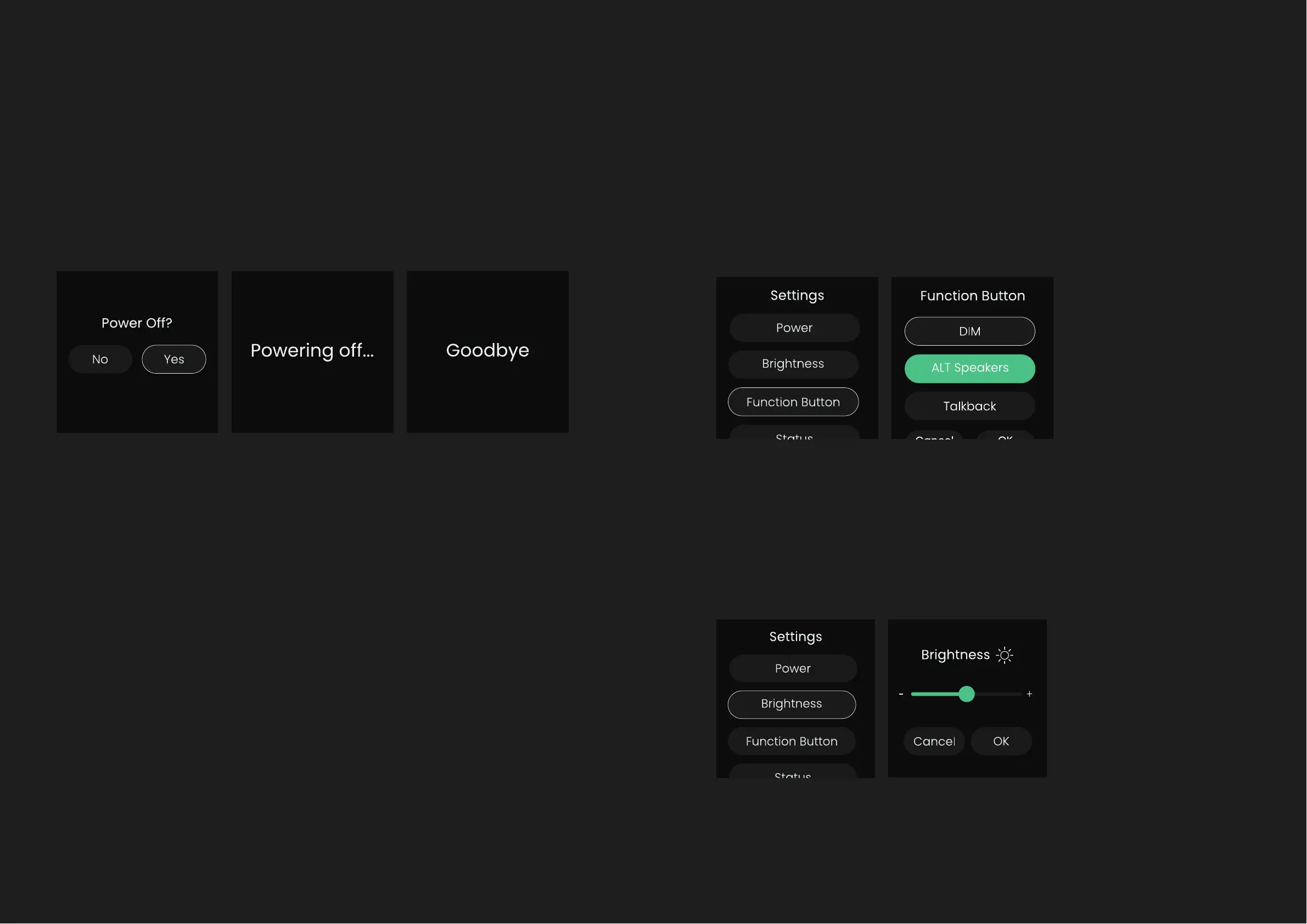
To power o the unit, rotate the Control Wheel until Power is selected, and
then press the Control Wheel down to select. You will then be prompted
to conrm if you want to turn o EVO 16, select Yes, and press the Control
Wheel to conrm.
This will put EVO 16 in a low-power standby mode. To turn the unit back on,
hold down the Control Wheel until the screen illuminates.
You can also turn o EVO 16 without navigating to the settings menu by
simply holding the Control Wheel down for 5 seconds.
This allows you to choose what the F-button on the front panel controls.
Here, rotate the Control Wheel between the dierent options, and press
the Control Wheel to select it. Then press OK to conrm your selection.
The brightness option allows you to adjust the brightness of the LEDs to
reduce glare in darker studios.



 To Next Page