HARDWARE HARDWARE
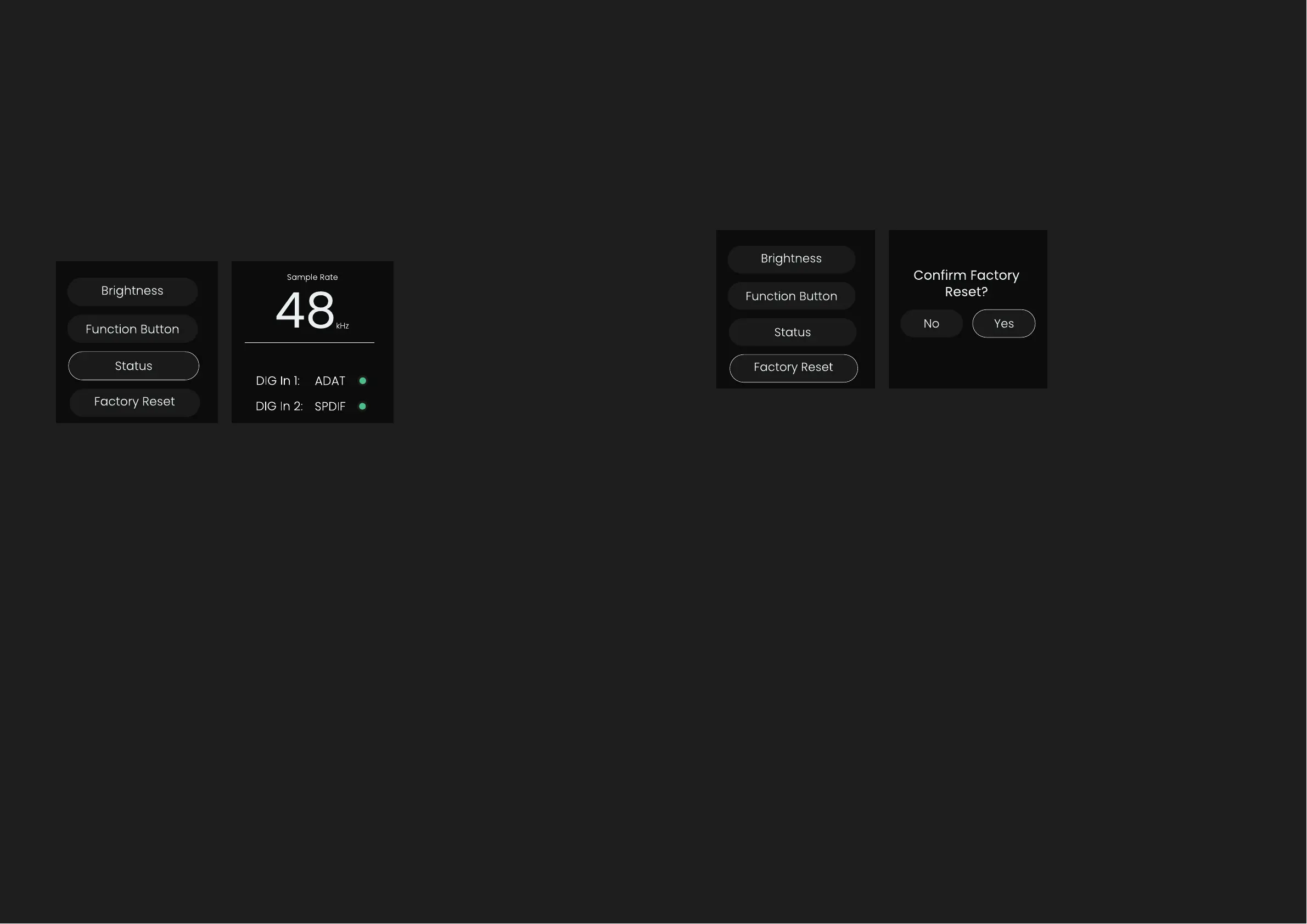
Status Menu Screen Factory Reset
The status screen displays the sample rate EVO 16 is currently set to via the
EVO Mixer as well as showing what protocol both the digital inputs are set
to and whether they have been successfully clocked.
If the light is green, this means that the unit has been successfully clocked,
if amber the unit is receiving a signal but in the wrong sample rate, and if
red, no signal is detected. To dismiss the screen, press the Control Wheel.
Note: the sample rate and clock settings cannot be edited from this
screen.
To reset EVO 16 to its factory settings, select the factory reset button and
select Yes to start the process.
Note: Be aware this will remove any of your currently saved settings.
Digital Inputs



 To Next Page