SOFTWARE SOFTWARE
DAW 1+2, 3+4, 5+6, 7+8
On the far right side of the mixer is the master section. From here you can adjust
the output levels of the line outputs 1+2, 3+4, 5+6, 7+8, which are found at the rear
of the unit.
This is your playback from your computer, such as playing back recordings or
instruments from your DAW, or just playback from media players or web browsers.
Pulling up the fader for these channels allows you to play this back through your
EVO 16.
Digital Inputs
These are the inputs from the EVO’s optical inputs. The number of digital inputs
present on the EVO mixer application depends on the digital input type (S/PDIF
or ADAT) and the sample rate being used.
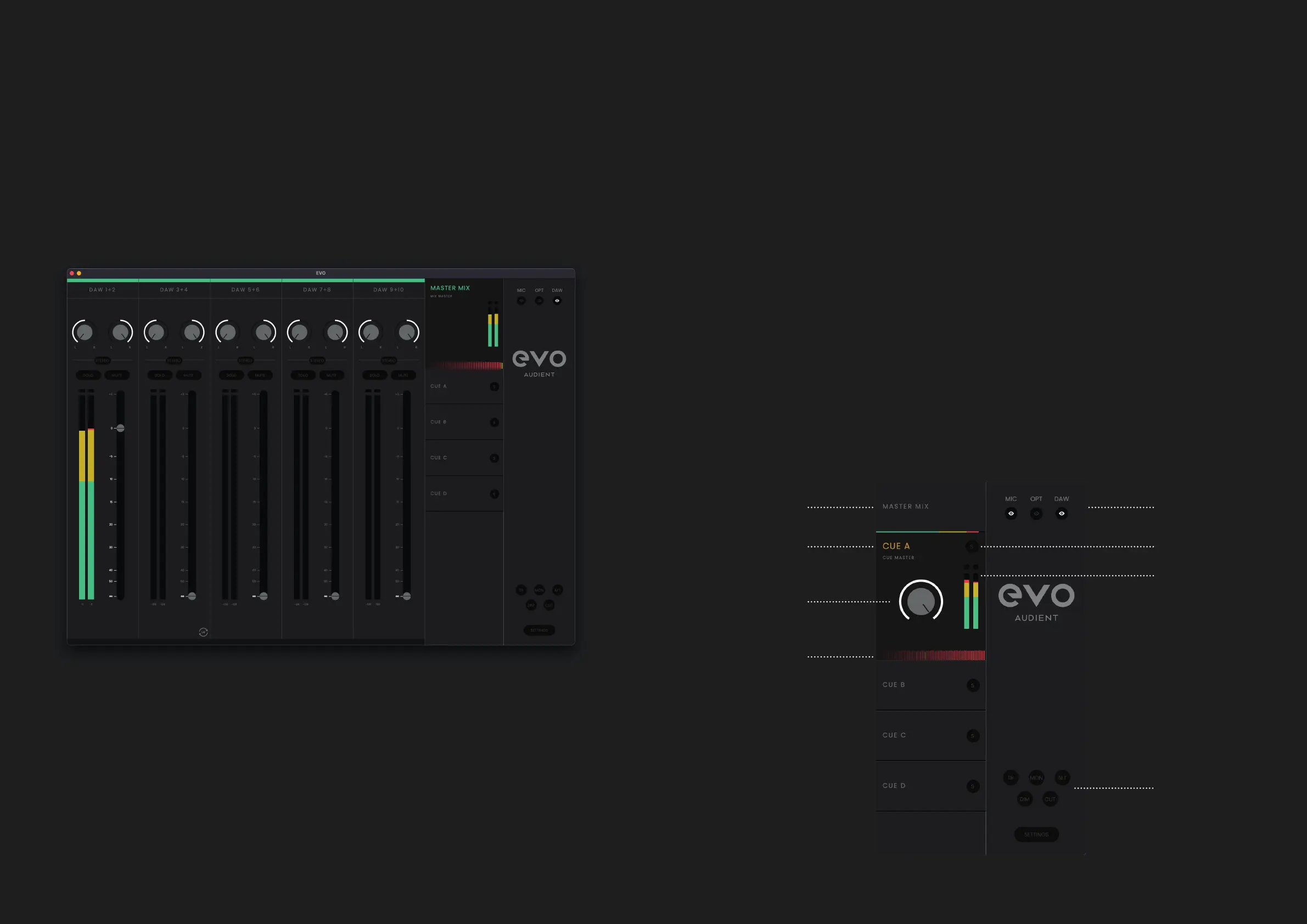
Master Section
Clicking on one of the mixes allows you to make changes to that mix. When a mix
is selected, it expands to reveal additional controls for that mix.
The EVO 16 Software Mixer has 8 DAW Return Channels allowing you to set
up multiple cue mixes or sends to hardware outboard gear. Using these three
channel types, you can build up your main monitor mix and up to four additional
cue mixes. Its important to note that the EVO Software Mixer only controls the
monitoring of the EVO 16. Changes made to the EVO Software Mixer won’t aect
the level present in your DAW or audio software.
Mix Selection Channel Views
Mix Solo
Mix Meters
Monitor Controls
Cue Mix
Name
Cue Mix
Level
Chronometer



 To Next Page