14
Rev.1.25
Using the microphone
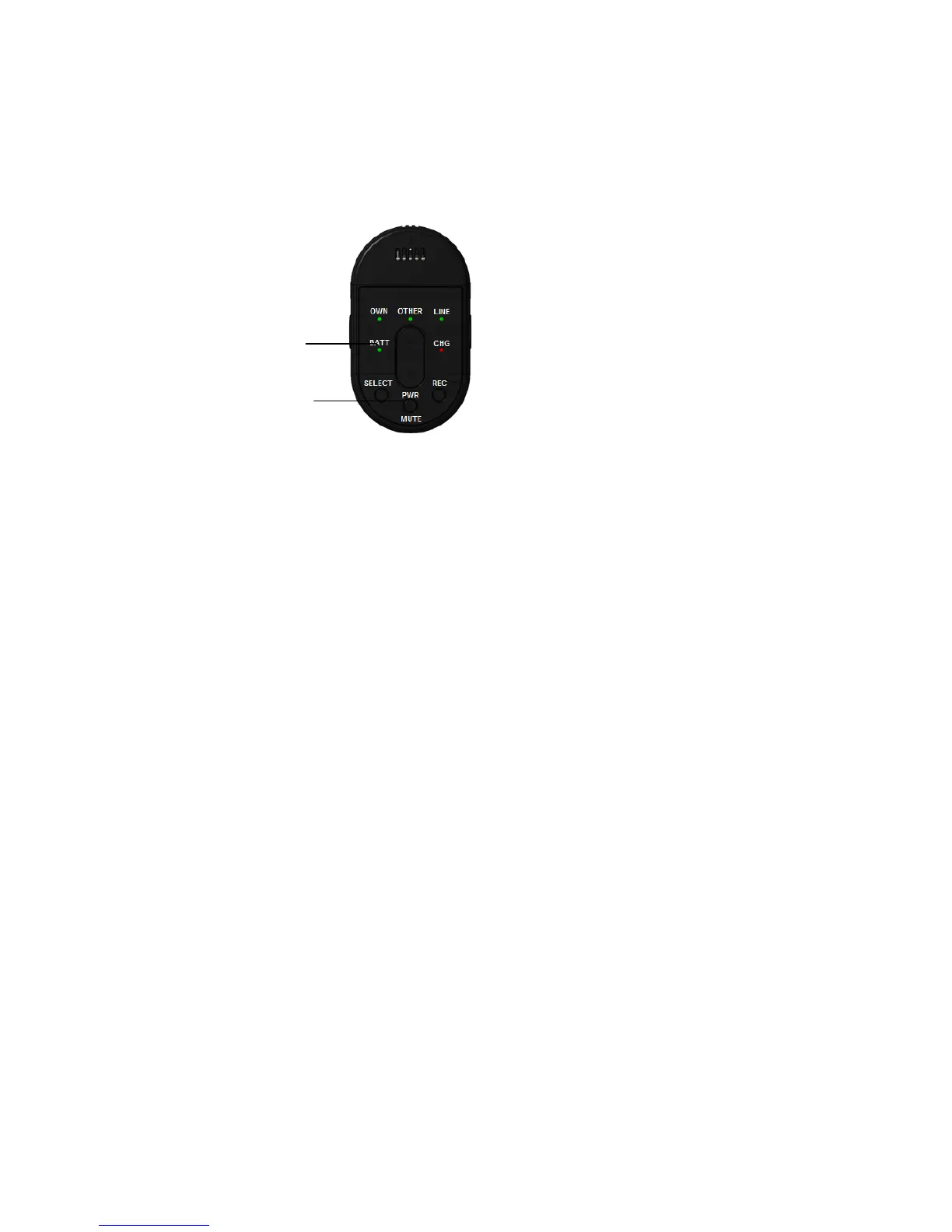
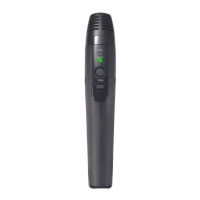
To turn on the microphone, press its [PWR/MUTE] button for 1 second or more.
The battery indicator of the microphone lights. To turn off the power, press the button for 2 seconds
or more. The battery indicator of the microphone turns off.
Memo:
When [BATT] indicator blinks yellow (except when outside), the pairing registration to a receiver is
required. Press the receiver’s [LINK] button, then press and hold the microphone’s [PWR/MUTE]
button and [REC] button until you hear a beep and the [BATT] indicator turns green.
Important:
• While using the microphone, do not take the microphone close to the speaker. It can cause loud
audio interference, such as feedback, that can damage your hearing.
Note:
・When a microphone goes “out of range”* of its receiver for approx. 5 minutes, the microphone turns
off automatically.
To use it again:
Press the microphone’s [PWR/MUTE] button for 1 second or more.
・ When using 2 microphones, the receiver’s LINK button is invalid. (K-SRC14)
• Also read the operating instructions of the receiver (K-SRC14)
(*Out of range = audio waves will not reach the receiver)


 To Next Page