15
Rev.1.25
Adjusting the volume
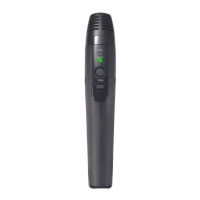
The microphone can control the volume of all audio signals that come from the receiver (K-SRC14).
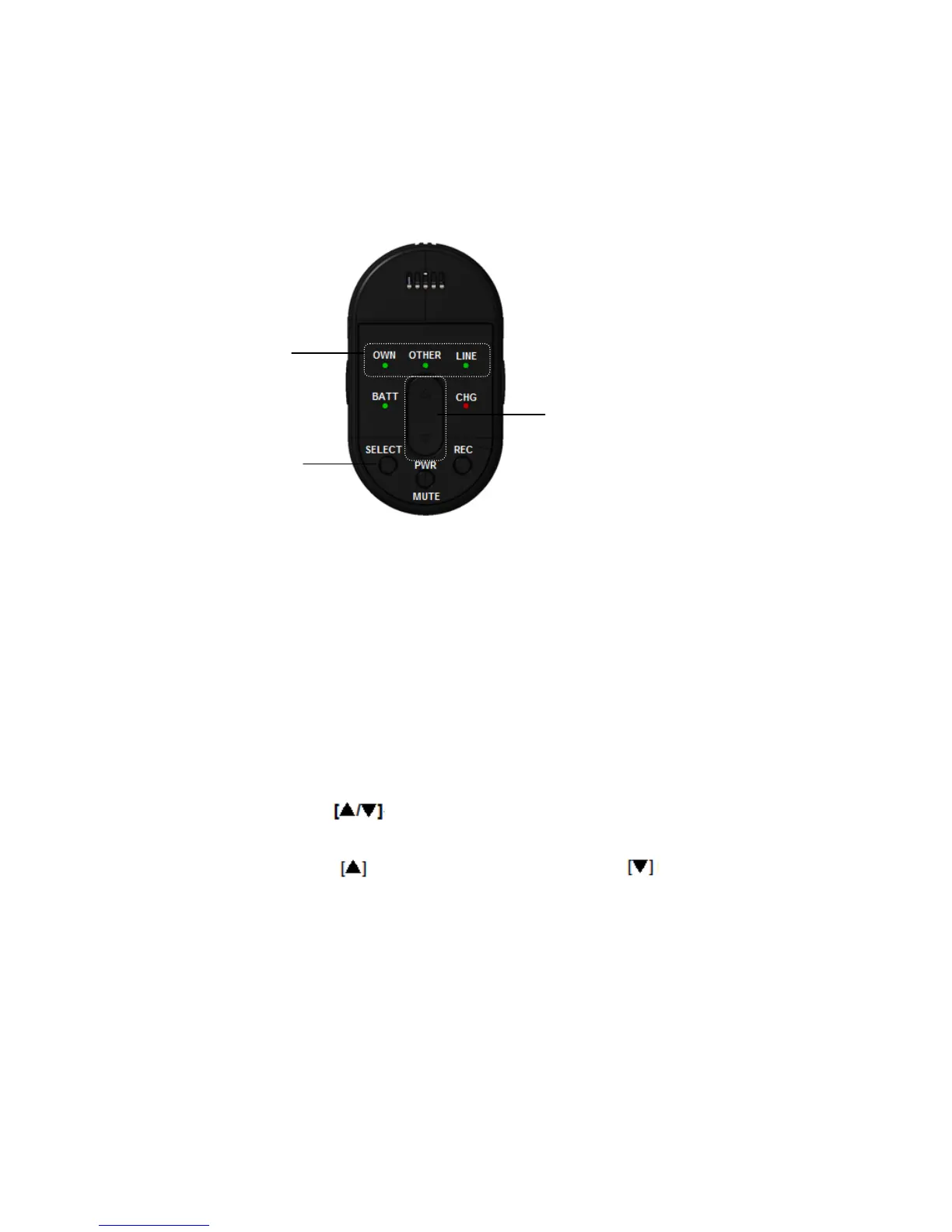
1) Press the selector button
When the SELECT button is pressed for the first time after turning on the power, the [OWN] selection
indicator lights. Every subsequent press of SELECT will move the light between [OWN], [OTHER],
and [LINE]. Choose the audio source that needs volume adjustment. The selection indicators light in
the following order:
[OWN] -> [OTHER] -> [LINE] -> [OWN].
* The selection indicator lights for 5 seconds. If no operation takes place within this period, the
indicator turns off automatically, but the microphone remembers the selection.
2) Press the volume button
While the selection indicator for the selection made in 1 is lit, press the volume button up or down.
will increase the volume, pressing will decrease it. Refer Pressing the volume button
to the receiver manual (K-SRC14) for an adjustment range. The selection indicator goes off 5
seconds after the volume button was pressed for the last time.
• When [OWN] is lit
User adjusts the audio volume of this microphone (input from the microphone opening, external
input and microphone input)
* Adjustment is not possible while mic is muted (the [OWN] selection indicator will blink)


 To Next Page