24
Rev.1.25
Troubleshooting
Before asking for repairs, check the symptoms with the following table.
Contact a dealer if the suggested remedies do not correct the problem or if the problem is not
described below.
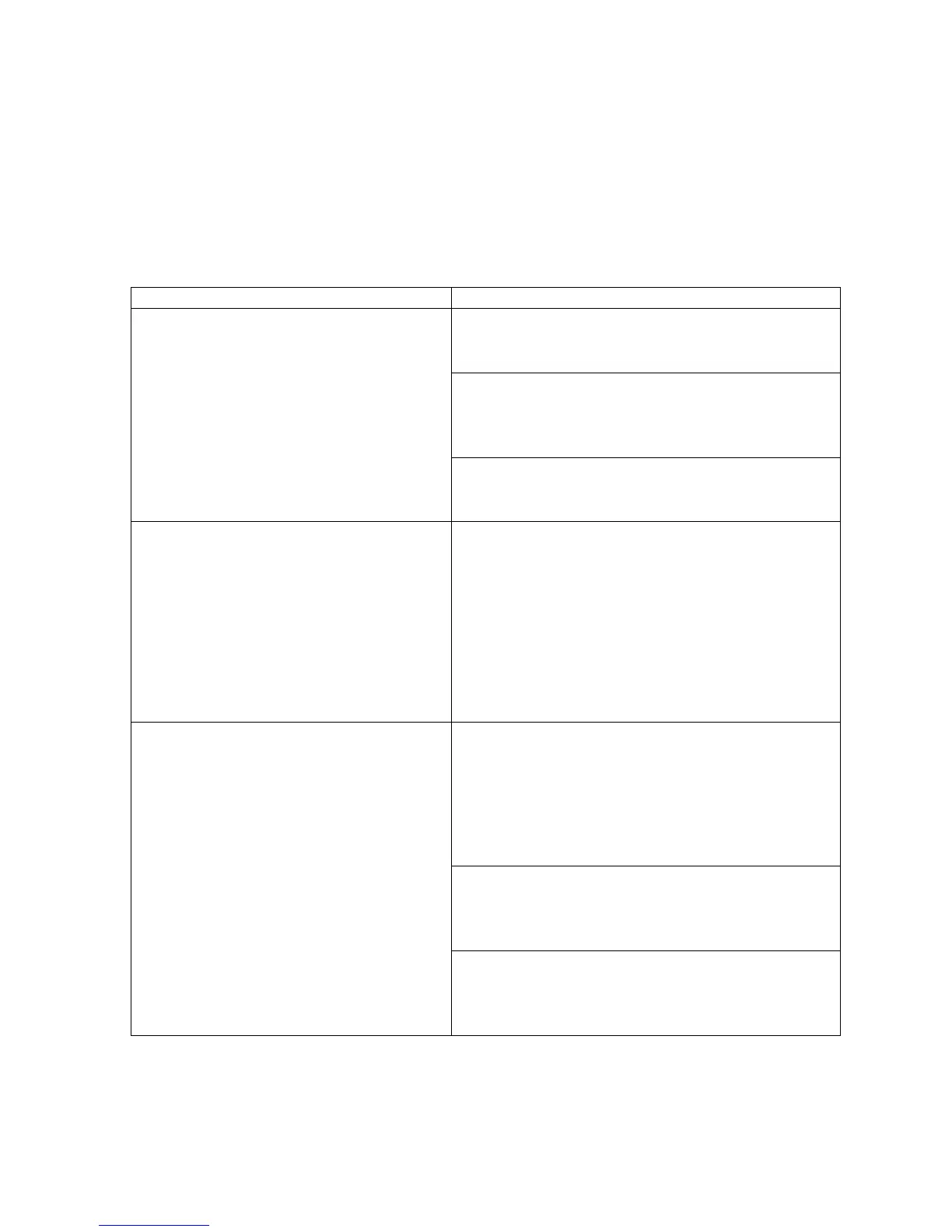
The power cannot be turned on.
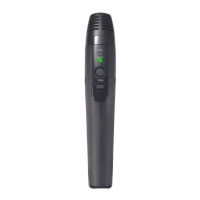
• Is there a battery in the microphone?
>> Insert the battery to the microphone.
Is the microphone charging?
(CHG indication RED or blinking red)
>> Connect mic to a charge cable.
• Is the battery depleted?
>> Charge the battery.
Does not work
(Battery indicator blinks red)
A pairing registration error with a receiver.
>> Please check registration
• Press a receiver's [LINK] button, and a
receiver is put into registration mode
• When an LINK button is pressed, the LINK
LED blinks yellow for 20s. (pairing
registration mode)
• During this time, please register mic by
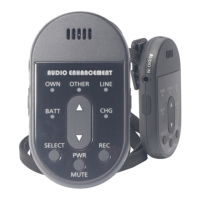
pressing [PWR/MUTE] button and [REC]
button together for one second or more will.
Does not work
(Battery indicator blinks yellow)
Pairing registration with a receiver has not been
performed.
1. Press a receiver's [LINK] button, and a receiver is
put into registration mode.
2. Press simultaneously [PWR/MUTE] button and [REC]
button will register for receiver. (Microphone power
OFF state)
(Refer to K-SRC14 manual)
Microphone is out of range.
>> Please use in the range. (Press PWR/MUTE
button and resume)
Is the receiver's power supply on?
>> Please check a receiver's power supply.


 To Next Page