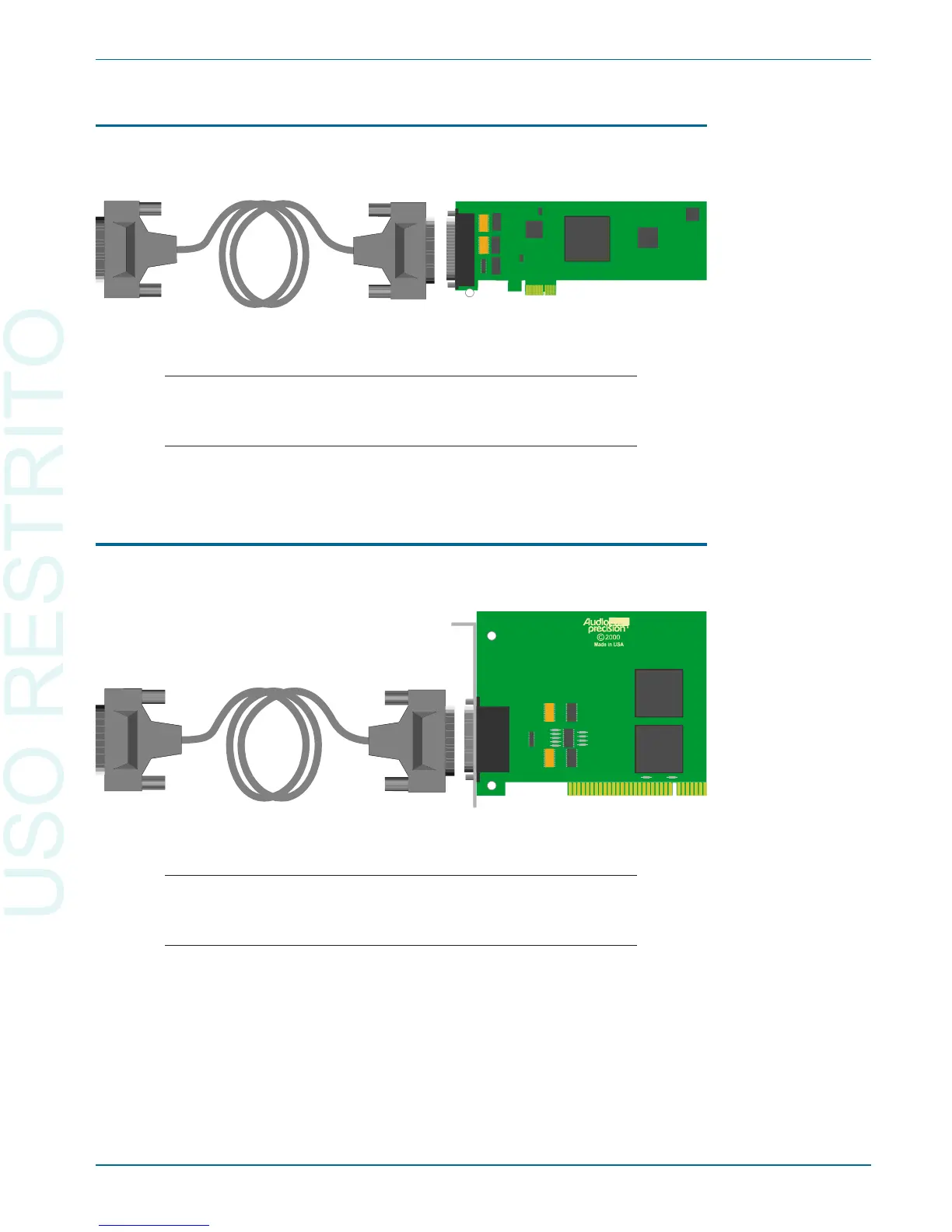
The APIB PCI Express card and ca ble
Turn off your PC and mount the PCI Ex press card in an open PCI Ex press
slot. Con nect the PCI Ex press card to the in stru ment us ing an APIB ca ble.
Note that PCI Ex press cards will not mount in stan dard PCI
slots, and that you may dam age the card and your PC by
forc ing an in ter face card into the wrong slot.
Turn on the PC and the in stru ment, and launch AP2700.
The APIB PCI card and ca ble
Turn off your PC and mount the PCI card in an open PCI slot. Con nect the
PCI card to the in stru ment us ing an APIB ca ble.
Note that standard PCI cards will not mount in the newer PCI
Express slots, and that you may dam age the card and your
PC by forc ing an in ter face card into the wrong slot.
Turn on the PC and the in stru ment, and launch AP2700.
Connecting the Instrument to Your PC Chapter 2: Installation and Setup for APIB
Getting Started with Your 2700 Series Instrument 15
Figure 8. PCI card and cable.
Figure 9. PCI Express card and cable.


 To Next Page
 Loading...