7: Menu Options
Page 11
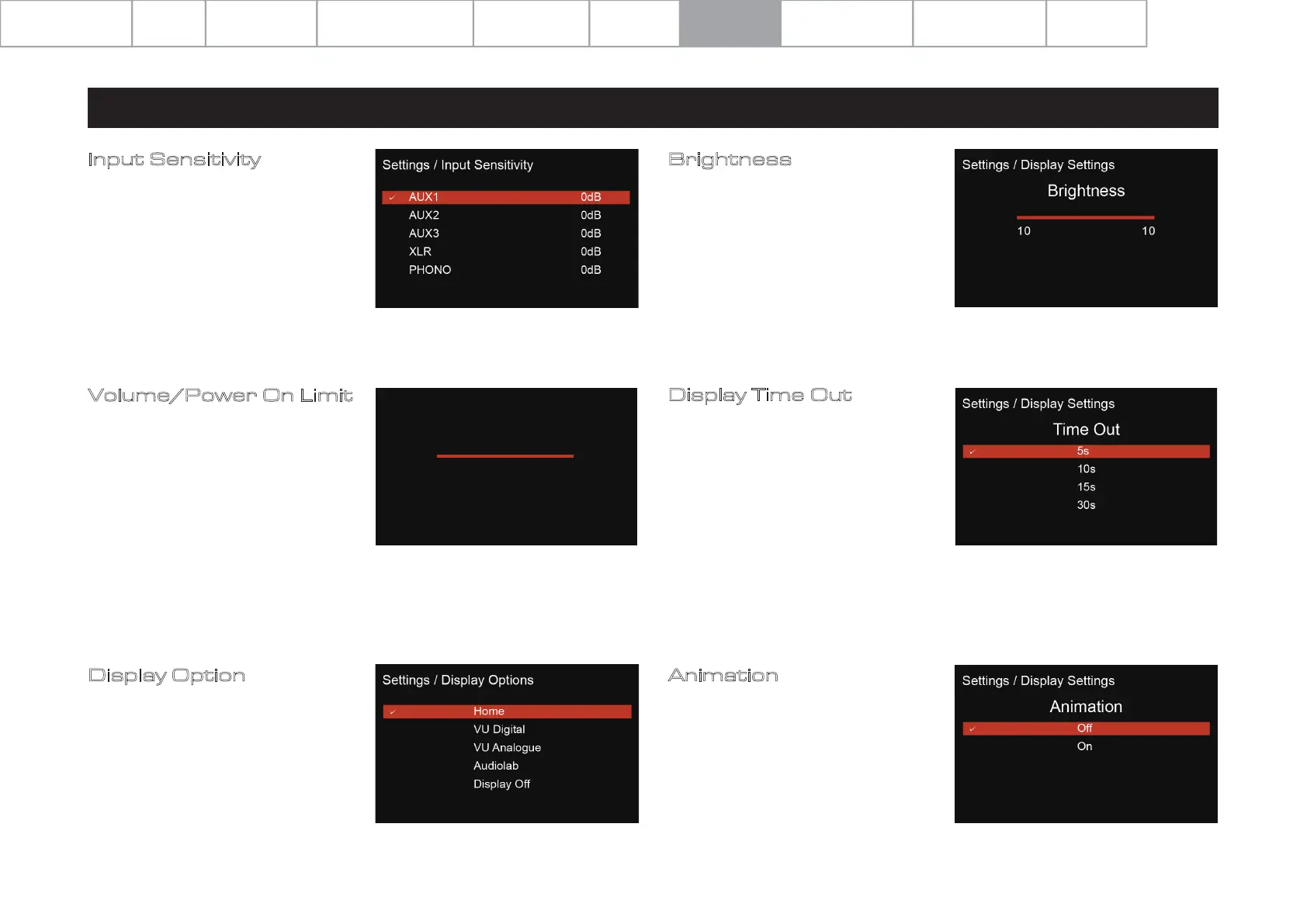
Input Sensitivity
This feature allows the input sensitivity of
the individual analogue inputs to be
adjusted (+/- 6dB) to help achieve a more
uniform playback volume level when
switching from one source to another.
Volume/Power On Limit
Power On Limit sets the maximum
volume level as the unit is switched on.
When coming out of standby, the volume
setting will be set to the level that was
used at the end of the previous operating
session OR to the Power On Limit value
set in this menu, whichever is lowest.
This will avoid a sudden loud signal at the
beginning of a new session.
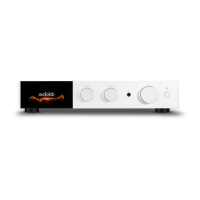
Display Option
Access the various display options for
the 9000A front panel display.
Display Time Out
Adjust the time at which the 9000A
display will revert to your chosen
display option, from the home screen,
after performing volume adjustment
and other operations.
Animation
Activate (ON) or deactivate (OFF) the
animations shown on the playback
interface display.
Brightness
Adjust the brightness of the 9000A front
panel display.
Settings / Volume
Power On Limit
-30dB
System Operations
Specifications
Important
Safety Information
Contents Getting Started Controls and Functions
Remote Handset
Warranty Coverage
Connections Menu Options


 To Next Page