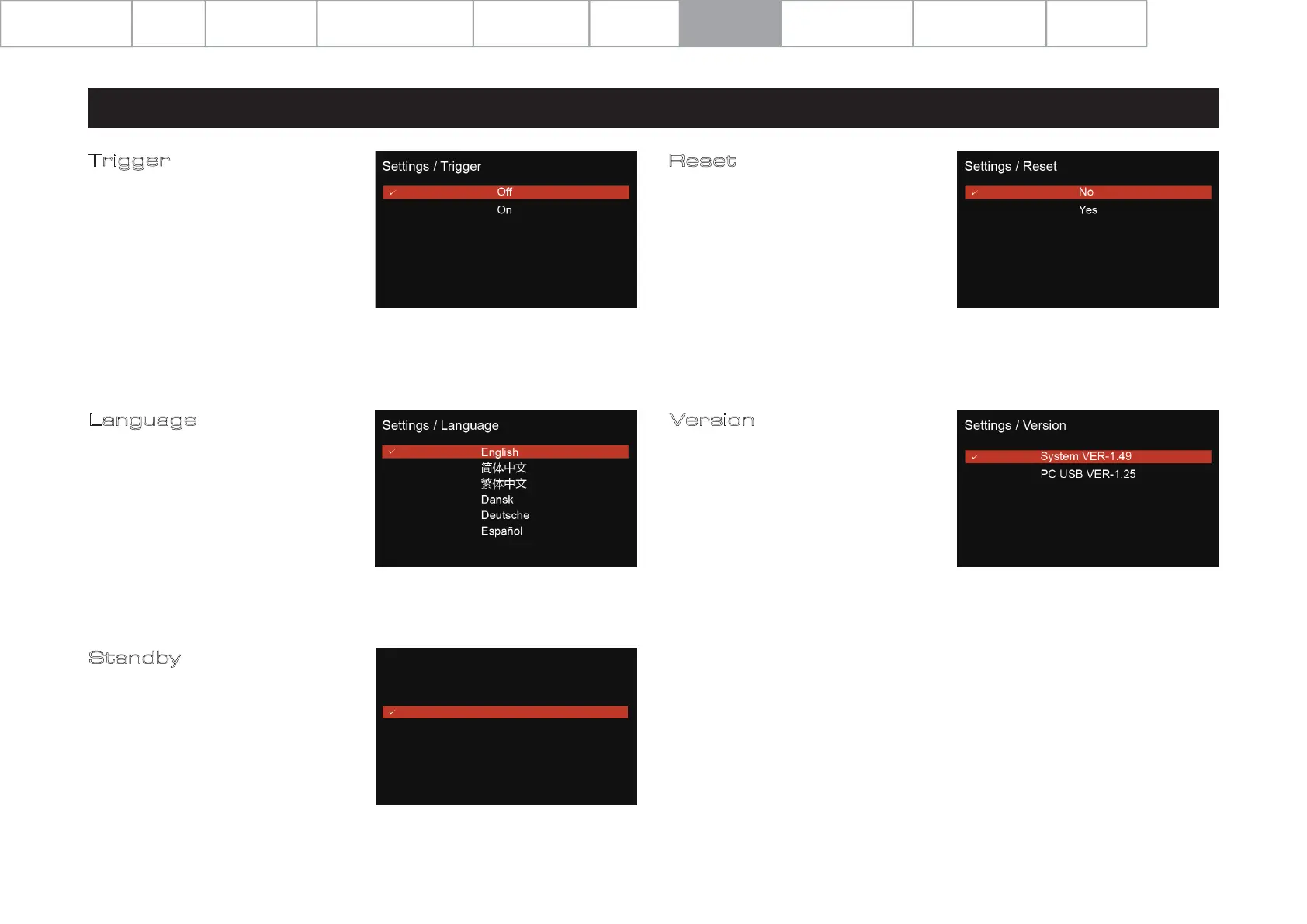
Reset
Reset the 9000A to the factory default
settings.
Standby
The auto-standby feature will put the
9000A into a standby model after 20
minutes of inactivity. This feature can be
also user-defined and set to 20 minutes,
60 minutes or ‘never’. The latter option
means that the 9000A will not enter
standby mode without user instruction
by way of the front panel ‘standby’
button or remote control ‘standby’
button.
Language
The 9000A offers multiple language
options for the GUI. Select your chosen
language from the list. The default
language is ‘English’.
Trigger
Activate or deactivate the 12V trigger
function of the 9000A.
7: Menu Options
Page 12
Version
Check the current operational
firmware version.
Settings / Standby
Never
20 minutes
60 minutes
System Operations
Specifications
Important
Safety Information
Contents Getting Started Controls and Functions
Remote Handset
Warranty Coverage
Connections Menu Options


 To Next Page