>10<
>11<
Main Menu
Back to Parent
♦ Select “Back to Parent” to go back to the HOME menu
♦ Use the “Joystick” to highlight on the following options:
♦ Press the “Enter” button to open the selected option.
♦ Once done, Press the “Back” button to go back to the submenu or
press “Home” button to go to the Main Menu
Digital Editions
♦
contains DRM eBooks file. You can save your DRM eBook in this
folder.
Download
♦
Can save any ebook files to this folder
Free eBooks - contains free E-book files (may vary)
My Books - All files downloaded from the internet will be save to this folder
Picture - contains picture files
Audio - contains Mp3 files, Audio files saved into the eReader
Video- contains video files saved into the eReader
Read Files/Books
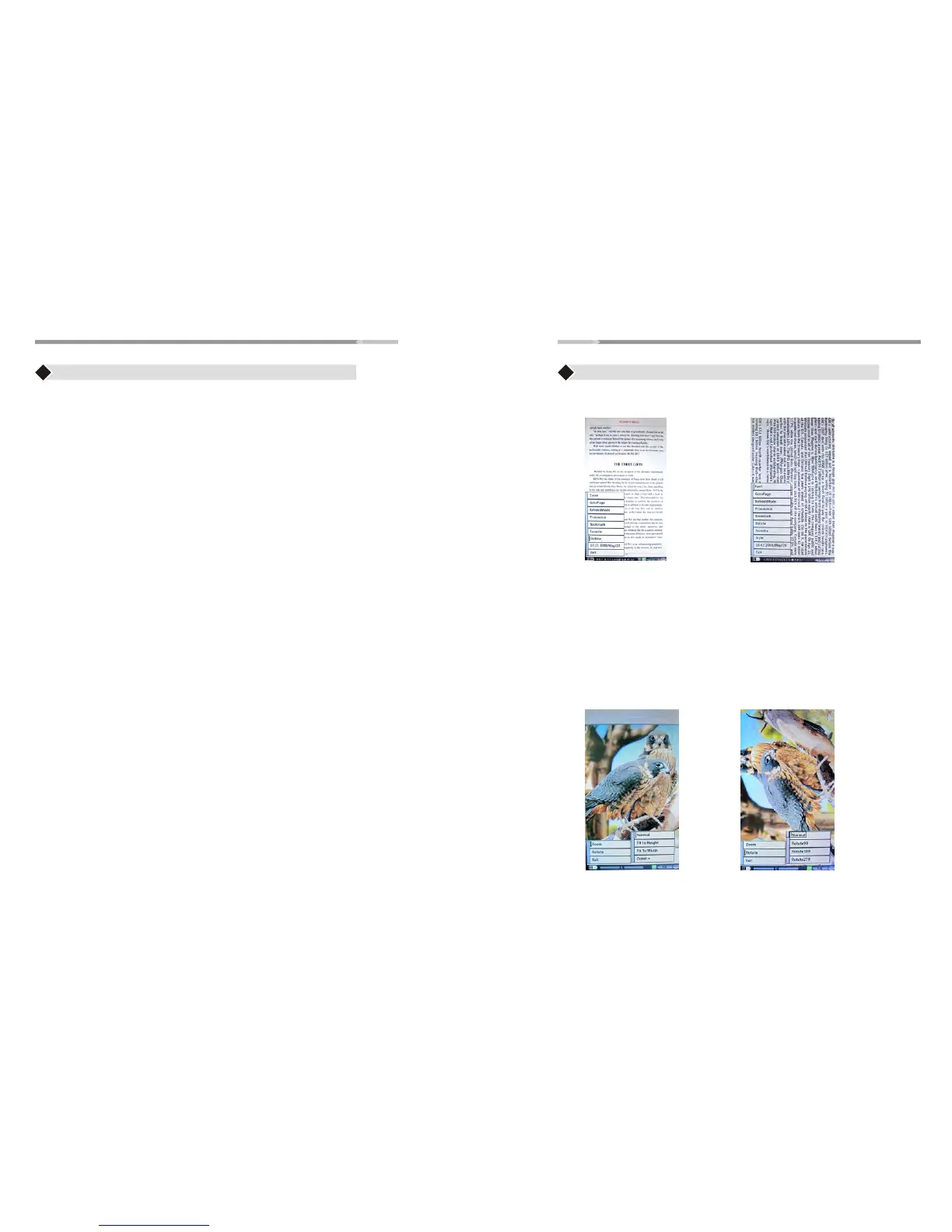
♦ After opening an eBook file, press “ Menu” button.Menu options
contains :
Font, GotoPage, Zoom(for PDF format),RefreshMode,Pronounce(Text to speech),
Bookmark,Rotate,Favorite,Style,Outline(for PDF format),Time, Exit.
Press “Exit” or “ Back” button to exit to this option.
Note: To change screen orientation while reading from Portrait view,
to Landscape bview use G-sensor function
Main Menu
View Pictures:
After opening a picture, press “ Menu” button. Menu option contains
Zoom, Rotate functions
Press “Exit” or “ Back” button to exit this option.
To change display orientation from Portrait view to Landscape view,
Move reader’s direction, use G-sensor function.
Read PDF format file UI: Read other formats file UI:


 To Next Page