- 23 -
heit (°F).
• Close the battery compartment of the outdoor sensor .
• Unscrew and remove the funnel cover of the pool sensor.
• Press the °C/°F button to select the temperature unit Celsius (°C) or Fahren-
heit (°F).
• Tighten the funnel cover again.
Maximum and minimum values
The maximum and minimum temperature and humidity values are stored from the time
the batteries are inserted.
• Press the +|MEM/RF button
to check the maximum values for temperature
and humidity. The MAX symbol is displayed on the base station. Briefly press the
+|MEM/RF button again to display the minimum value with the MIN symbol.
• Press and hold the +|MEM/RF button for a few seconds to delete the max/
min values.
The stored values are deleted and the recording starts again.
Comfort rating
If the measured water temperature is between 25°C and 29°C, the comfort indicator
appears. This means that it is a very pleasant water temperature.
Battery level indicator
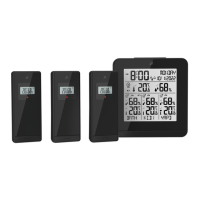
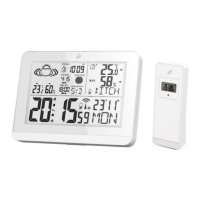
If the batteries become too low to keep the base station, the outdoor sensor, the pool
sensor or the data transmission in operation, the battery level indicator appears in
the display of the base station, the outdoor sensor or the pool sensor .
• Replace the batteries in all devices as soon as possible.
• Restart the product.
Reset (RESET)
• Press the RESET button with a thin object to reset the product and restart radio
reception.
All data will be lost.



 To Next Page