- 24 -
Troubleshooting
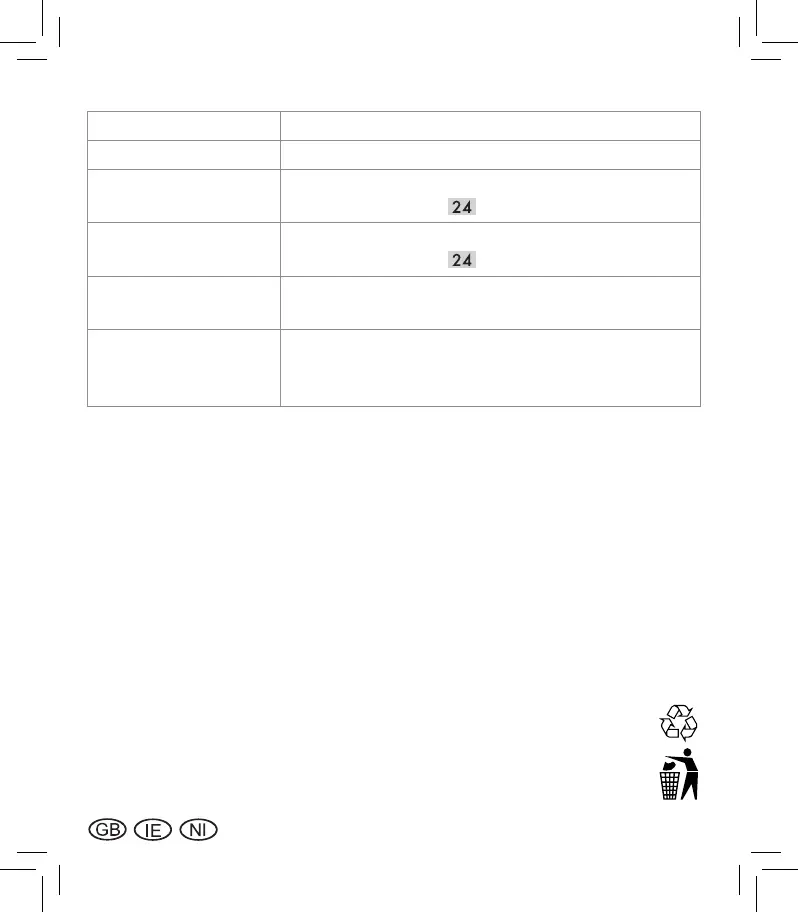
Error Correction
No/weak display Replace the batteries.
Incorrect values Replace the batteries.
Press the RESET button
.
Illegible display Replace the batteries.
Press the RESET Button
.
Outdoor or pool sensor
is not shown.
Replace the batteries.
Place the sensors closer to the base station.
DCF77 radio controlled
time is not displayed
Replace the batteries.
Place the base station in a different location, e.g. closer to
a window.
Cleaning instructions
Improper cleaning can damage the product. Do not immerse the base station or the
outdoor sensor in water or other liquids. Avoid any aggressive cleaning agents, brushes
with metal or nylon bristles, or any sharp or metallic cleaning objects such as knives,
hard spatulas and the like. These can damage the surface.
Clean the product with a soft, dry, lint-free cloth, such as that used for cleaning glasses
lenses.
Storage
If the product is not used for a long time, remove the batteries, clean and store the pro-
duct away from sunlight in a dry, cool place, preferably in the original packaging.
Disposal
The product and packaging material are recyclable. Please dispose of them
separately for better waste management. To learn options for disposal of the used
product, please contact your municipal or city administration.
Check the labelling on the packaging material when separating
waste – they are marked with abbreviations (a) and numbers (b)



 To Next Page