AFW 2 A1
GB
│
IE
│
NI
│
15 ■
Displays in basic mode
Once the weather station has received the outdoor sensor signal
and the MSF signal, it is in basic mode.
In basic mode, the weather station shows the following informa-
tion on its display:
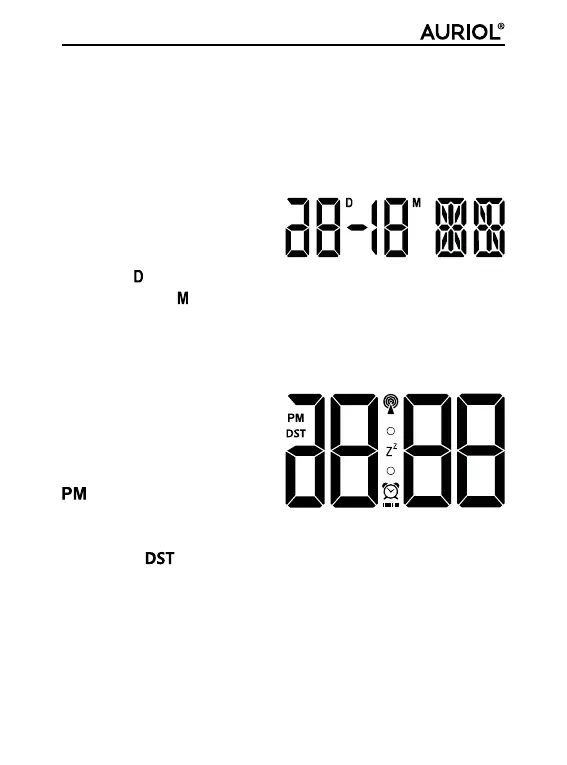
The date panel 1
The date of the current day
is displayed next to the ab-
breviation
and the date of the current month appears next to
the abbreviation . The abbreviation for the current weekday is
shown on the right. The language for this abbreviation is preset
to English but can be changed if required. Please refer to the
section Basic settings for details.
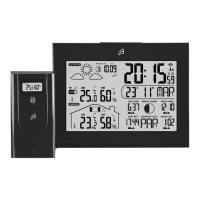
The time panel 5
The time is shown in 12-hour
format by default. In the 12-
hour format, the abbreviation
(Latin for "post Meridiem" =
afternoon) is shown in front of
the time between 12 noon and 11.59 at night. During the sum-
mer period, (daylight saving time) is displayed. This display
is only shown if the MSF signal is being received.











 To Next Page