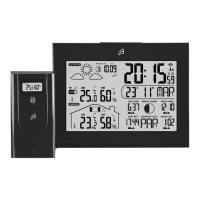
AFW 2 A1
■ 12
│
GB
│
IE
│
NI
♦ Set the devices up on a horizontal, flat surface.
To do this,
unfold the fold-out stand d on the outdoor sensor.
♦ Alternatively, the outdoor sensor can be suspended from
a screw using the hanger i.
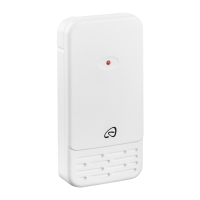
Operating the outdoor sensor
♦ Open the battery compartment a on the rear of the device
by pushing the battery compartment cover s in the direc-
tion of the arrow.
♦ Insert two type AA batteries into the battery compartment a
as shown.
♦ Close the battery compartment again
a
. The control LED u
on the front of the outdoor sensor lights up briefly.
Afterwards, the control LED u lights up once every minute
to signal that transmission is taking place.
Operating the weather station
You can either operate the weather station with the mains
adapter z supplied or using batteries.
Mains power operation:
♦ Plug the low voltage plug on the mains adapter z into the
connector socket r on the weather station and connect the
mains adapter z to an easily accessible mains plug.
Battery operation:
♦ Open the battery compartment w on the rear of the device
by removing the battery compartment cover e.
♦ Insert two type AAA batteries into the battery compartment
w
as shown.
♦ Close the battery compartment w again.











 To Next Page