AFW 2 A1
■ 24
│
GB
│
IE
│
NI
NOTE
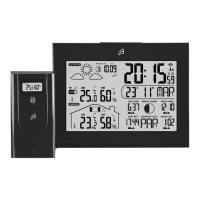
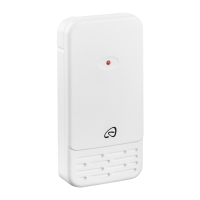
► Only the values from outdoor sensors which are connected
to the weather station will be displayed.
► If you are using several outdoor sensors you should select
a different radio channel for each outdoor sensor.
Charging USB devices
CAUTION
► Use of the USB sockets
t is only possible during
mains operation!
► Ensure that the power consumption of the USB device
is not higher than 2.1 A if you are using just one of the
USB sockets. For more information, refer to the instruction
manual of your USB device.
► If you are using both USB sockets
t simultaneously,
the total power consumption of the connected USB devices
may not exceed 2.1 A!
♦ Connect your USB device to one of the USB sockets
t.
The battery symbol flashes on the USB connection
panel 4 and indicates that your USB device is being
charged.
♦ Disconnect your USB device from the USB socket once it
has completely charged.











 To Next Page