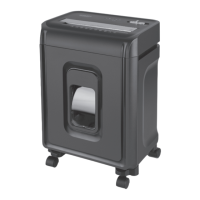
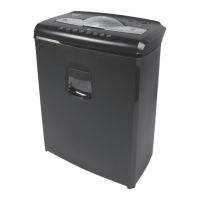
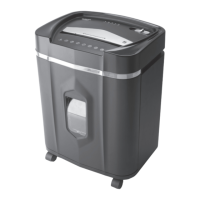
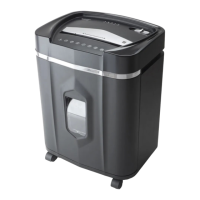
5ENGLISH
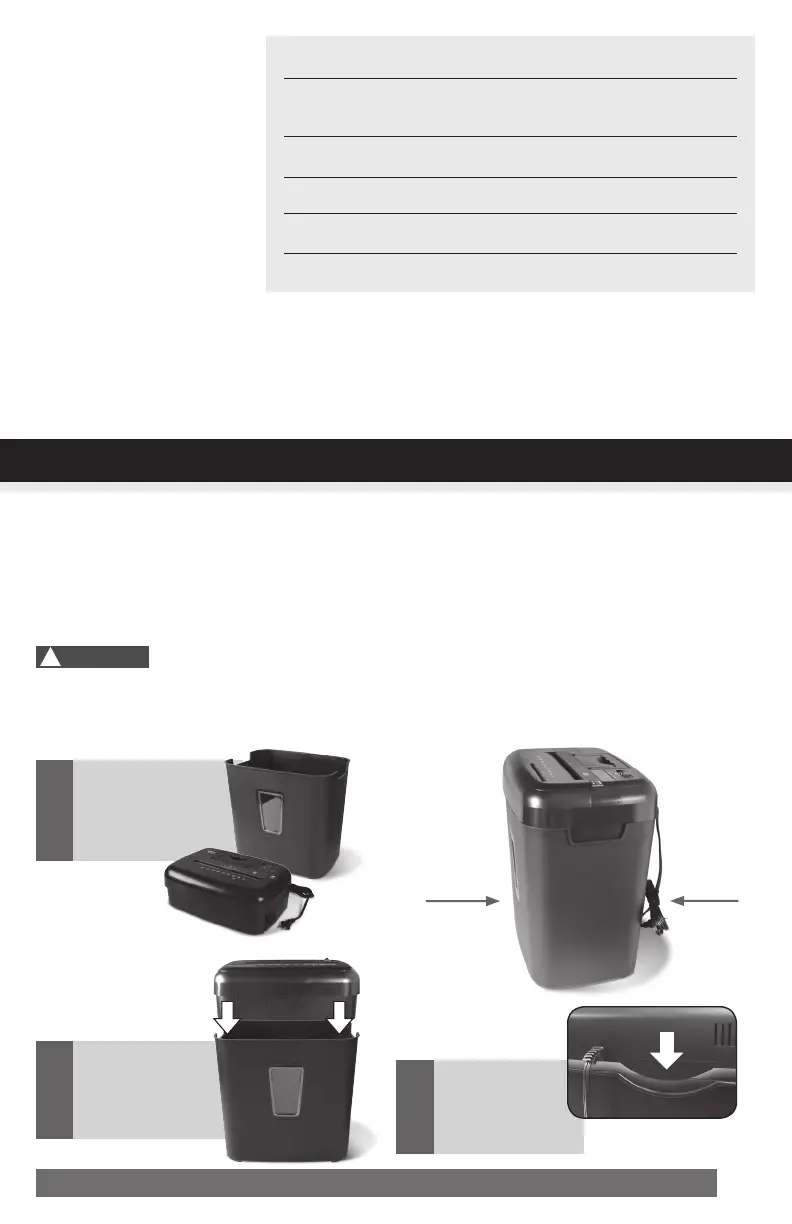
1.Thismodelincludesabuilt-insafetyinterlockmechanism,whichrequirestheshreddertobecorrectly
mountedontotheincludedwastebasket.THESHREDDERWILLNOTOPERATEUNLESSITISPROP-
ERLY MOUNTED AS PICTURED.
2.Asocket-outletshouldbeneartheequipmentandbeeasilyaccessible.
3.Connectthepowercordtoanystandard120voltACoutlet.
Shreddersmayhaveverysharpexposedbladesontheunderside.Usecarewhenmountingthe
shredderonthewastebasket.
Paper Shredder
Operating Instructions
Installation
Operation
Maintenance
Troubleshooting
ServiceCenter
LimitedWarranty
SheetCapacity
PaperShredSize:
PaperFeedEntryWidth
CreditCard&CDCapacity
DutyCycle
Voltage
8Sheetsof20lb.bondpaper*
5/32in.x15/32in.pieces
4mmx12mmpieces
8.7in.(22.0cm)
Onlyoneperpass
5min.on/30min.off
120V~60Hz/3.5A
• Shreds Credit cards, small paper clips, staples and CDs/DVDs
3
Makesurethe
shredder head
iscorrectly
mounted.
Gentlyplacethe
shredder head
onto the
wastebasket.
2
Carefullyliftand
removeshredder
headfromthe
wastebasket.
1
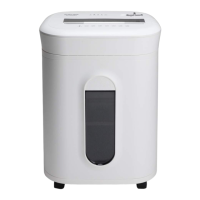
Front
with
window
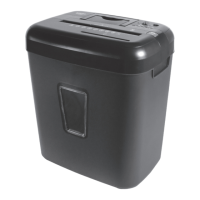
Back
with
power
cord
INSTALLATION
* ONE FOLDED SHEET OF PAPER EQUATES TO 2 SHEETS OF PAPER
Heavierpaper,humidityorotherthanratedvoltagemayreduceshreddingcapacity.
!
Caution:


 To Next Page